

AI Chat Assistant
Ask for a change. See it in your chapter.
Type what you want in plain words. The AI edits only the paragraphs that need it, highlights each change, and you accept or reject.
- Rewrite, expand or cut any passage
- Every edit highlighted before it lands
- 5 credits per edit, nothing if nothing changes
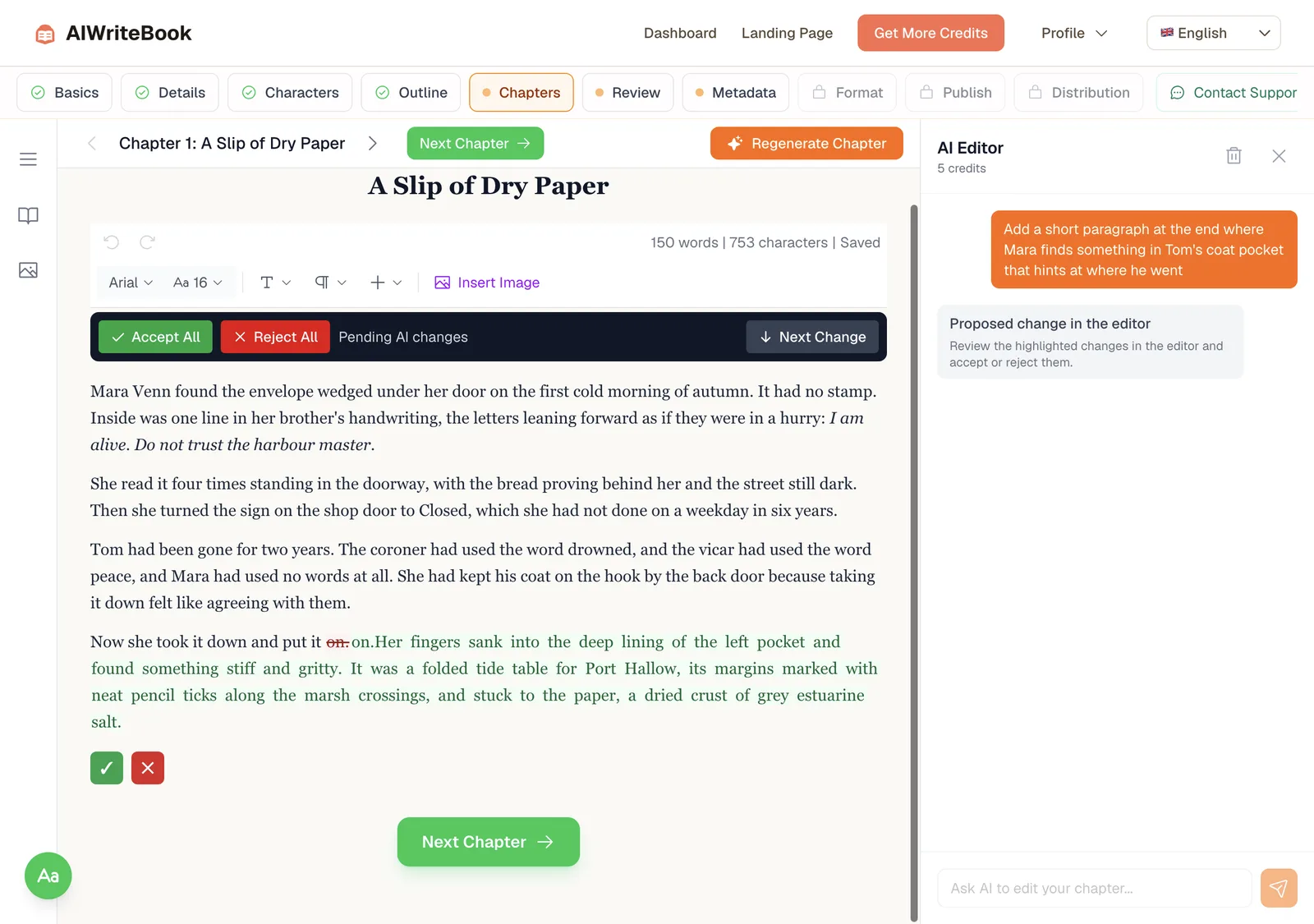
Edit by asking
Without it
- Copy a chapter into a chatbot and paste it back
- Lose your formatting and half the chapter
- No way to see what actually changed
With it
- Ask right next to the chapter
- Only the relevant paragraphs change
- Review each edit, then accept or reject
One request, four steps
01Step
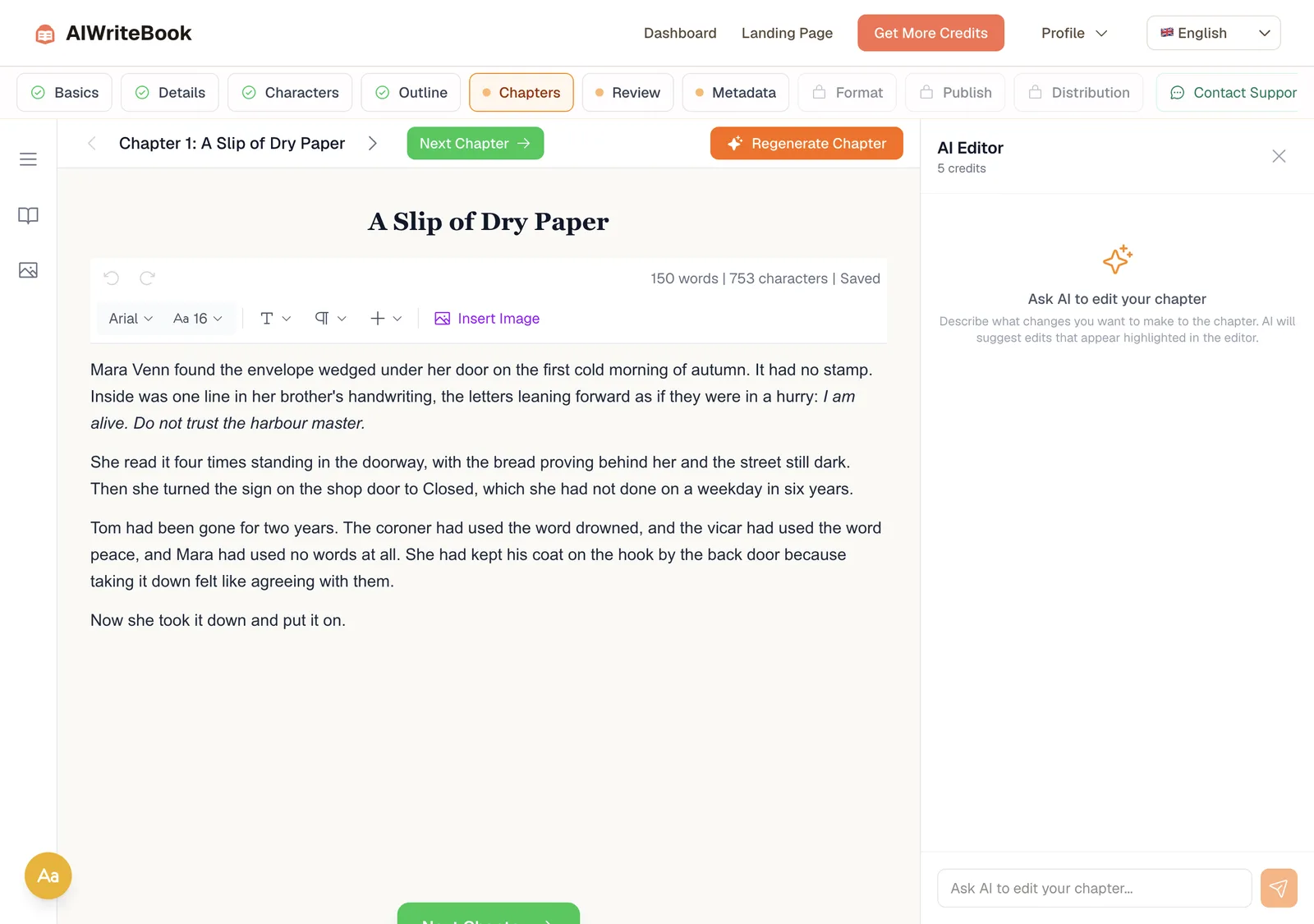
Open the AI Editor
It sits beside your chapter in the editor.
02Step
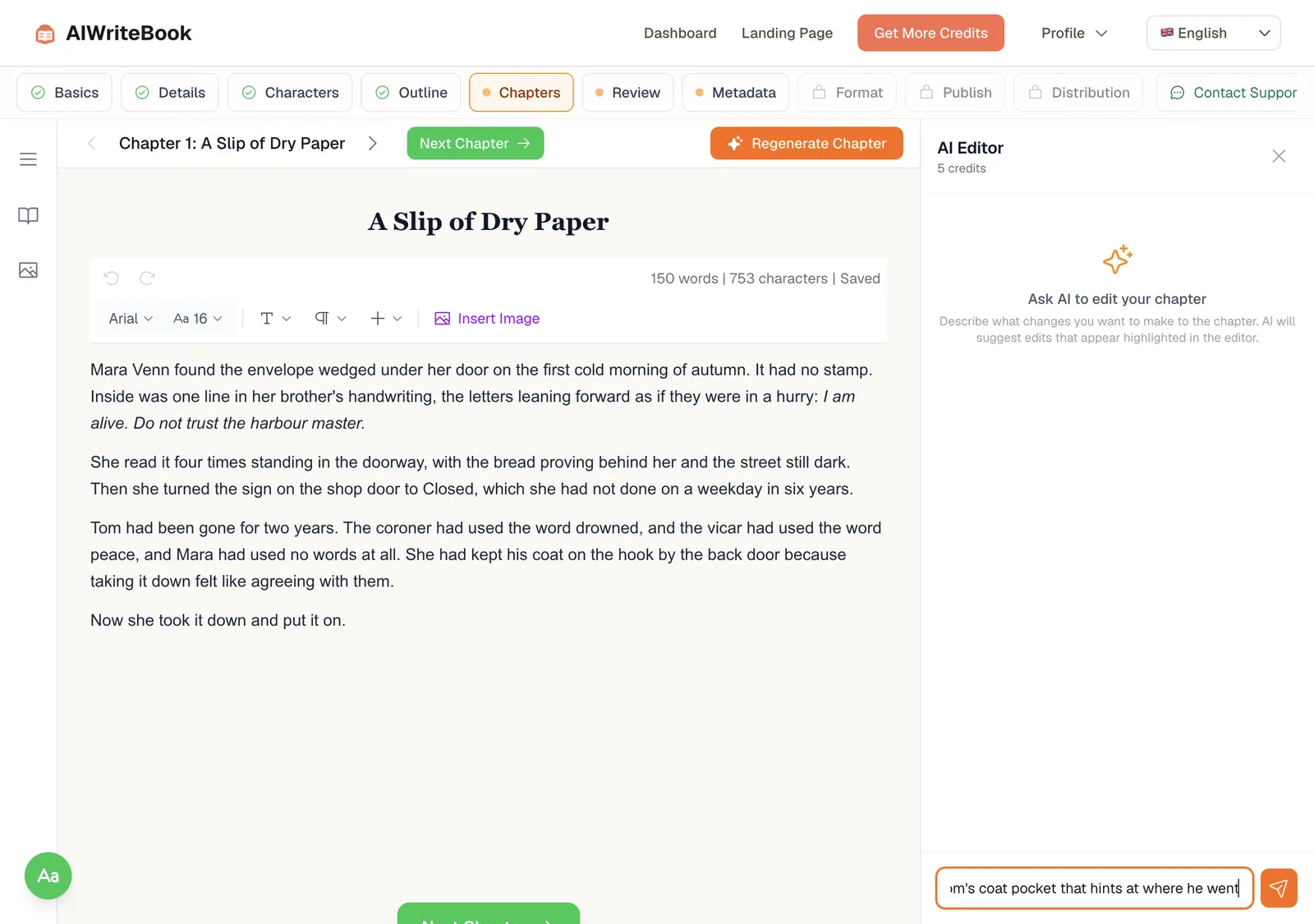
Say what you want
Plain words, as you would tell an editor.
03Step
Review the highlight
New text is highlighted in place. Step through each change.
04Step
Accept and keep writing
The chapter saves with the new passage.
A real request, a real result
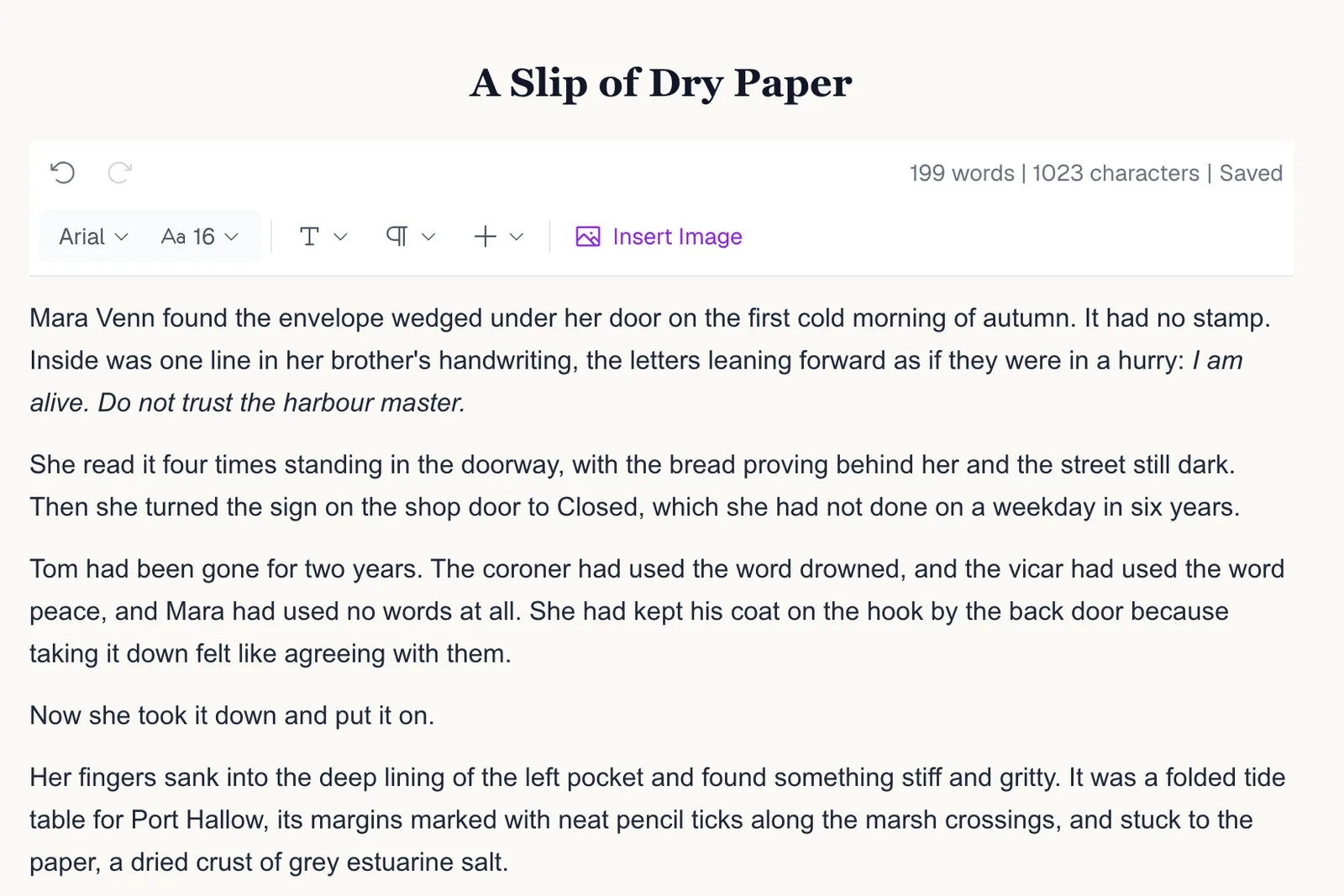
From chapter 1 of our demo novel, The Salt Road.
The request
Typed in the chat
Add a short paragraph at the end where Mara finds something in Tom's coat pocket that hints at where he went.
What the AI added
New closing paragraph
Her fingers sank into the deep lining of the left pocket and found something stiff and gritty. It was a folded tide table for Port Hallow, its margins marked with neat pencil ticks along the marsh crossings, and stuck to the paper, a dried crust of grey estuarine salt.
What you can ask for
Rewrite a scene
Change tone, pace or point of focus.
Expand a moment
Add detail, dialogue or a beat that is missing.
Cut and tighten
Remove a paragraph or trim repetition.
Add structure
Headings and lists for non-fiction chapters.
Follow-ups
It remembers the chat: say make it shorter and it knows what you mean.
Your voice
Matches your captured writing style.
5 credits per edit. No charge when nothing changes.
Compare plansQuestions about the AI chat assistant
No. It edits only the paragraphs your request is about. Each edit replaces a paragraph, adds new paragraphs after one, or removes one, and the rest of the chapter is left untouched.
Every edit appears highlighted in the editor before it is applied. Reject it and the chapter returns to how it was.
Yes. It works in both fiction and non-fiction chapters and uses the matching outline for each.
When your book has a captured author style, the assistant matches its sentence structure, word choice, tone and voice in everything it writes.
Yes. The chat keeps the conversation history, so you can ask for follow-ups like "make it shorter" without restating the request. You can clear the chat at any time to start fresh.
5 credits per edit. If the AI finds nothing to change or cannot apply the edit, you are not charged.
Yes, when you ask for them. It can write paragraphs, section headings and bulleted or numbered lists inside the chapter.
Yes. Imported chapters open in the same editor, and the chat works on them the same way as on chapters written in AIWriteBook.
Your next edit is one sentence away
Open a chapter, ask for a change, keep what you like.