

Manuscript import
Bring the draft you have, finish the book
Drop in a Word file. Chapters, front matter, images and footnotes land where they belong, and your prose stays exactly as you wrote it.
- Up to 200,000 words
- Review every chapter split
- First import of each book type free
See it in action
Finish the book you started
Without it
- A draft stuck in a Word file for years
- Copy-pasting chapters one by one
- Starting over in a new tool
With it
- Chapters detected and split for you
- Your words kept exactly as written
- Write, edit, translate and publish from there
From .docx to a book
01Step
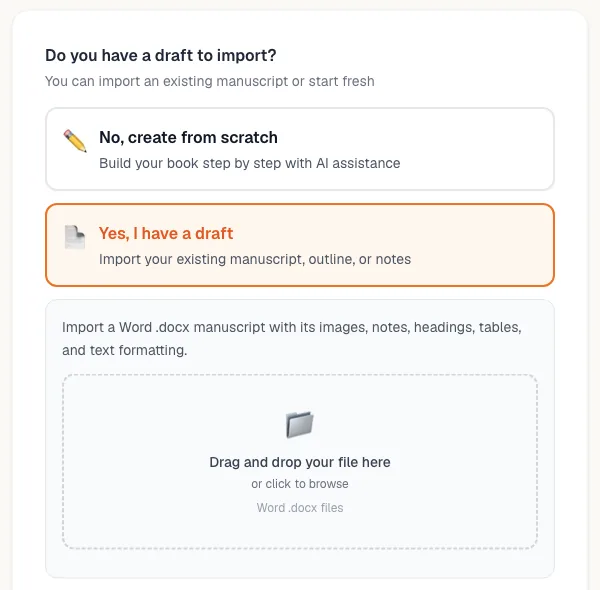
Drop your Word file
Say how far along the draft is: notes, outline or full chapters.
02Step
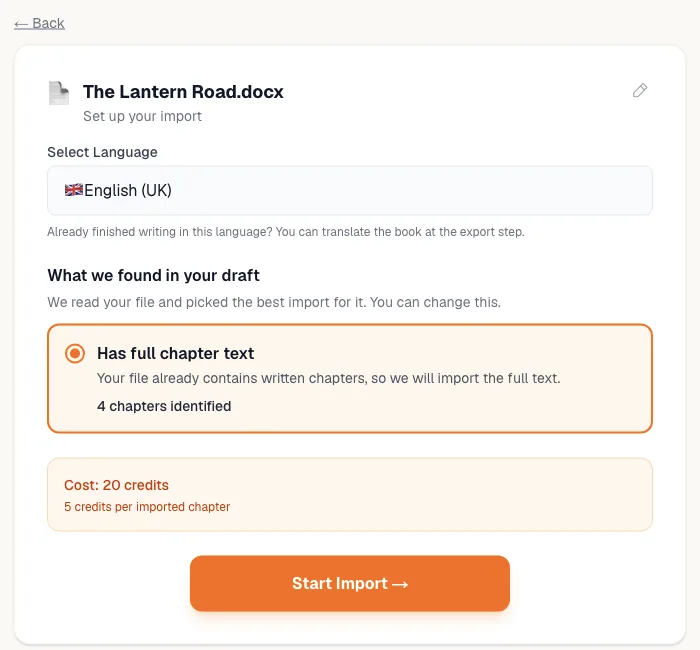
See what was found
Language and chapter count detected before you start.
03Step
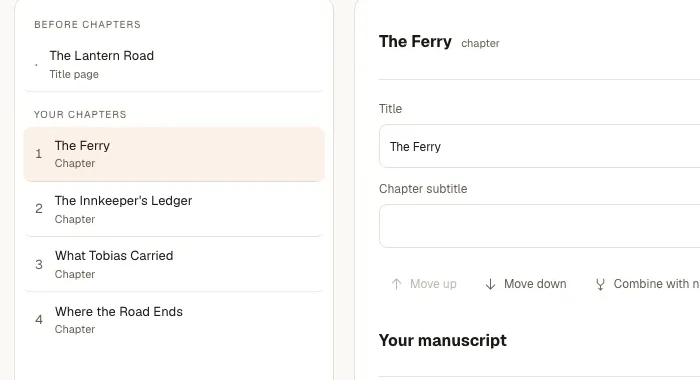
Check the chapter splits
Rename, combine or split, with undo.
04Step
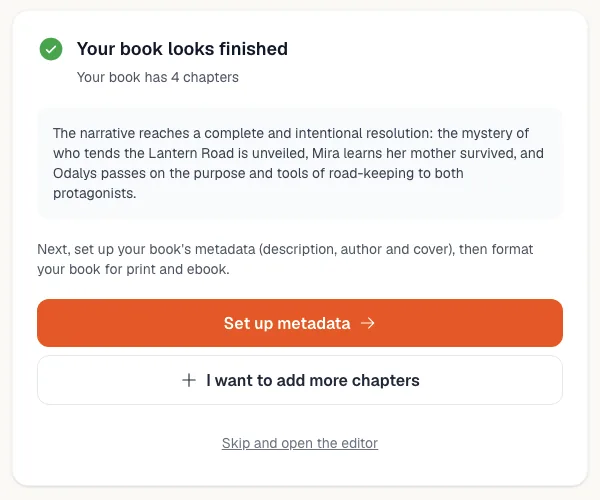
Pick the next step
Finish missing chapters, edit, cover, format or translate.
What comes across intact
Chapters and titles
Detected from headings and page breaks.
Front and back matter
Dedication, acknowledgments, copyright, about the author.
Images and footnotes
Kept where they were in the manuscript.
Partial drafts
Notes, characters or outlines become the plan for the rest.
Big files
Up to 200,000 words and 32 MB per Word file.
Everything after
Edit, translate, narrate, cover and export EPUB or print PDF.
Free account. Your first fiction and nonfiction import is free. The total shows before you confirm.
Compare plansQuestions authors ask
Your first import of each book type is free until you buy anything. After that, imports are priced in credits by what you bring in, shown before you confirm. Notes, details and characters are always free.
No. Import works on a free account. You only need credits when the total is above zero.
You review every chapter before anything is saved: split, combine, rename, reorder or keep the file as one chapter, with undo.
Up to 200,000 words in one Word file, and up to 32 MB including images.
Yes. Tell the importer how developed the draft is and build the rest with AI.
Yes. Add a cover and export an EPUB and a print-ready PDF. You keep all rights.
Pairs well with
Your draft is closer than you think
Upload it free and see your book in minutes.