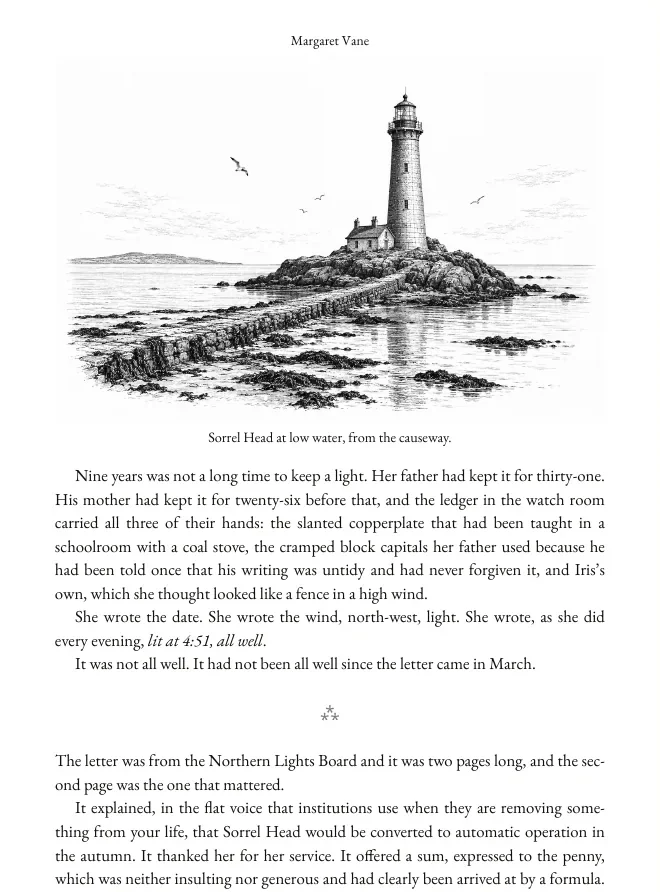
Most tools hand you an export. A file that opens, technically passes upload, and looks like a word processor document with a cover stuck on the front.
The Format step is the opposite. It typesets your book — margins mirrored for the spine, a gutter that grows with your page count, running heads that know which page they are on, roman numerals through the front matter and arabic from chapter one — and then renders the real result on screen so you can read it before you pay a printer anything.
Every preview is your book. Your chapters, your cover, your metadata, run through the same engine that produces the downloads.
What you get
One Generate produces every file below. Re-generate as often as you like at no extra cost.
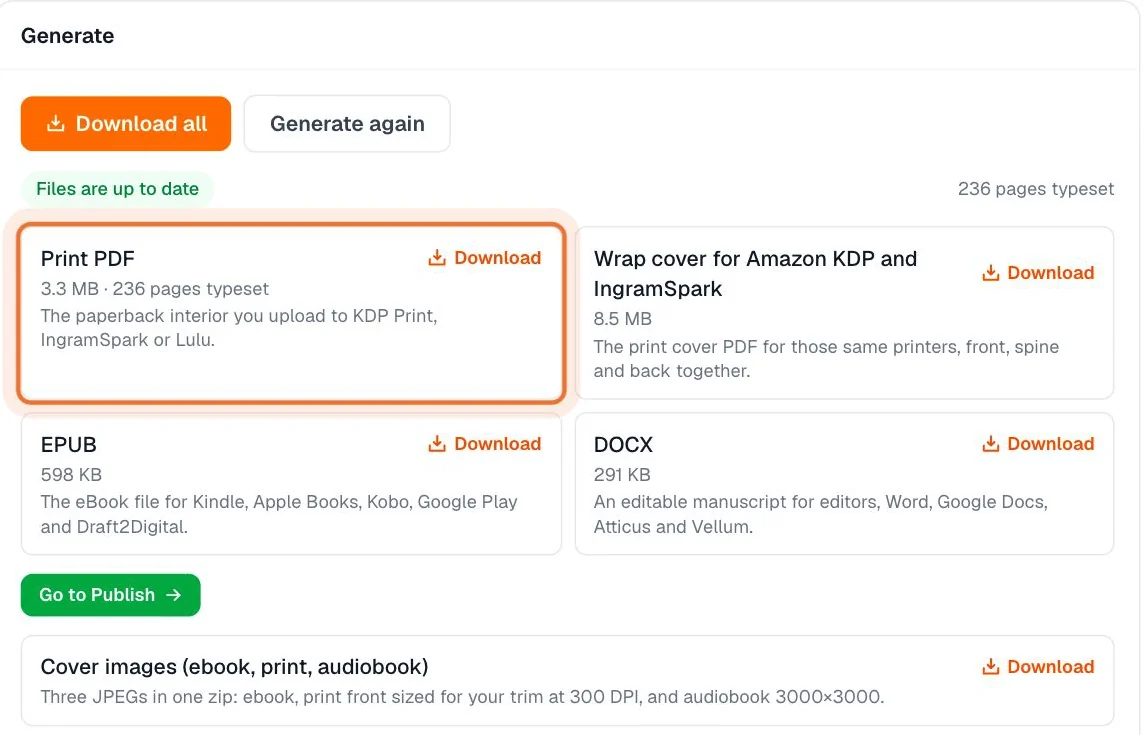
Print interior PDF
PDF/X-1a:2001, the standard IngramSpark and BookVault ask for and KDP, Lulu, Draft2Digital and Barnes & Noble Press accept. Colours converted to print CMYK with the FOGRA39 coated profile, every font embedded, trim and bleed marked in the file.
Wrap covers
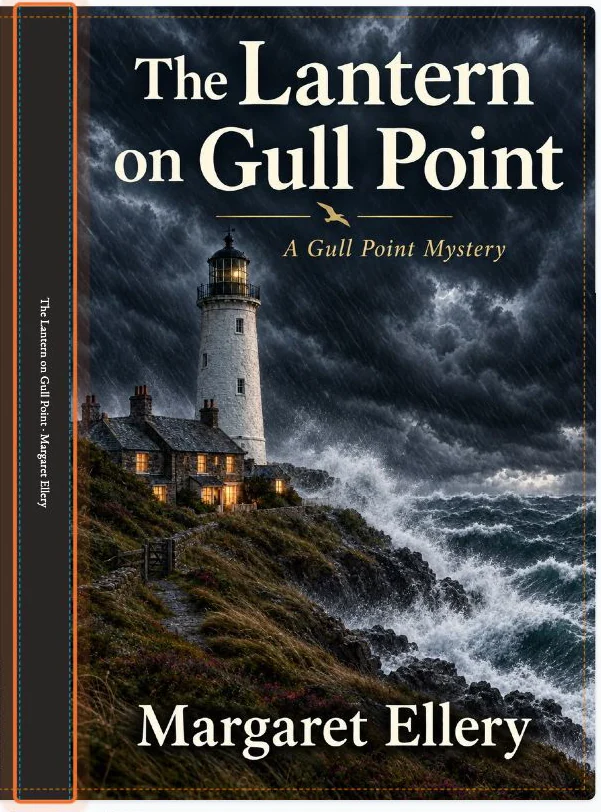
Front, spine and back as one printer-ready file for Amazon KDP and IngramSpark, plus Lulu, Draft2Digital and Barnes & Noble Press, and BookVault if you tick them. Each one uses that printer's own spine maths and barcode zone.
Spine and barcode, calculated
Spine width comes from your final page count and your paper stock, per printer. The barcode zone is reserved in the right place, and spine text is only set when the spine is physically wide enough to carry it.
EPUB, validated
Every EPUB is checked with EPUBCheck before it is saved, with a clickable table of contents generated after the book is typeset. For Kindle, Apple Books, Kobo, Google Play Books, Barnes & Noble Press and Draft2Digital.
DOCX
The editable manuscript, in block style, for Word and Google Docs or for sending to an editor.
eBook cover JPG
The separate cover image the Kindle and eBook store forms ask for, sized and saved ready to upload.
How it works
Four areas, always clickable in any order, with the live preview underneath the whole time.
- 1
Unlock the book once
Formatting costs 200 credits for that book, one time, forever. Nothing recurs. You can change the theme, the trim, the text and the cover and re-generate as many times as you want at no further cost.
- 2
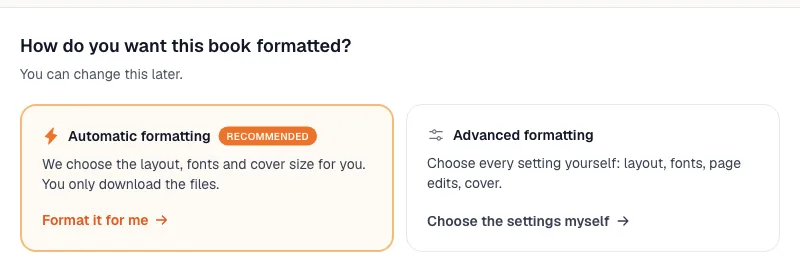
Layout — automatic or every setting yourself
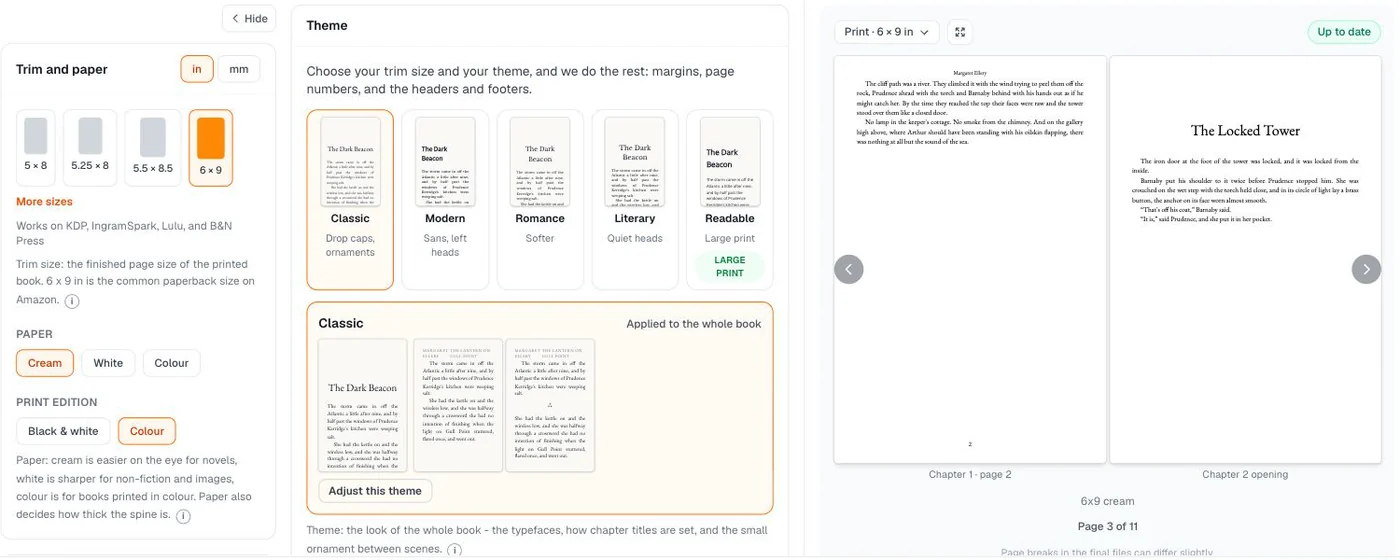
Pick a theme and the rest is derived: gutter, outside margins, bleed, folios, font embedding. Or open the settings and choose the trim size, the paper, the body font, indented or block paragraphs and what the running heads say.
- 3
Pages — front matter, back matter, and in-page editing
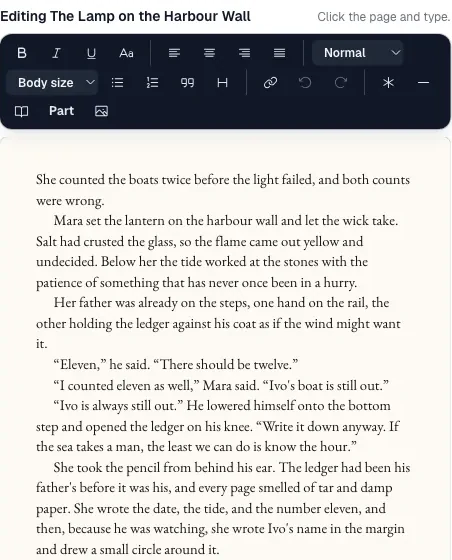
Title page through about-the-author are generated for you and switched on or off in a checklist. Then edit the book on the page itself: text, chapter titles, scene-break ornaments, drop caps, page breaks, lists, block quotes and images. It edits the same manuscript as the writing step, so nothing forks.
- 4
Cover — the wrap, built from the book
Back cover with your blurb, optional back art, author photo and publisher logo. The geometry updates itself as your page count moves, and a DPI check warns you before a low-resolution image reaches a printer.
- 5
Check and generate
Preflight reads the finished layout and reports what a store would reject — each issue phrased as the next action, with a link straight to the screen that fixes it. Then one Generate builds every file.
The specifics
17 trim sizes
From 5 × 8 and 5.25 × 8 through the 6 × 9 default to 8.5 × 11 and square 8.5 × 8.5, including the 5.06 × 7.81 and 6.14 × 9.21 sizes print services ask for. Margins are derived from the trim and the page count — you never type an inch value.
5 interior themes
Classic, Modern, Romance, Literary and Readable. Each sets the body and heading faces, the type size, the leading, the heading alignment and the scene-break ornament as one coherent design.
12 body fonts
Ten serif faces — EB Garamond, Libre Baskerville, Lora, Merriweather, Source Serif 4, PT Serif, Spectral, Crimson Pro, Cardo and Gelasio — plus Open Sans and Source Sans 3. All embedded in the PDF, with a glyph check that tells you if your text uses a character the font cannot draw.
4 printer profiles
Amazon KDP and IngramSpark share one wrap; Lulu, Draft2Digital and Barnes & Noble Press, and BookVault each get their own, with their own spine factors, barcode zones and page-count limits. BookVault's is built in millimetres because that is what BookVault expects.
Print typography that holds up
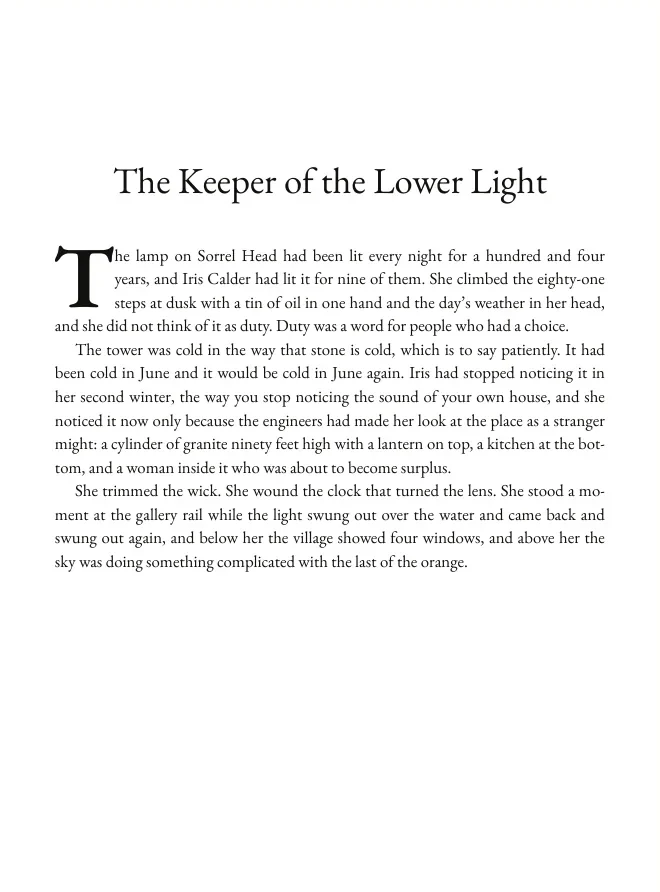
Mirrored margins, a gutter that scales with the final page count, alternating running heads suppressed on chapter openings and front matter, roman front-matter folios restarting at arabic 1 at chapter one, a table of contents with page numbers that match the typeset pages, chapters starting on the recto, drop caps, and hyphenation.
How this compares
Only what we can state plainly.
| AIWriteBook Format step | Atticus | Vellum | Kindle Create | |
|---|---|---|---|---|
| Print interior + EPUB from one source | Yes | Yes | Yes | Yes |
| Wrap cover with spine and barcode from your page count | Yes, for four printer families | No | No | No |
| PDF/X-1a print file | Yes | No | No | No |
| AI writing, covers, audiobook and translation in the same product | Yes | No | No | No |
| Runs in any browser | Yes | Yes | macOS app | Desktop app |
| Where the files can go | KDP, IngramSpark, Lulu, D2D, B&N Press, BookVault, Apple Books, Kobo, Google Play | Any store | Any store | Amazon only |
Atticus and Vellum are excellent formatters and this is not a takedown — see our honest Atticus review for the full picture. The difference is shape: they format a manuscript you bring, we format the book you wrote here and build the cover wrap too.
What it costs
200 credits, once, for that book — forever. It never charges again, no matter how many times you change the design and re-generate.
Which plans can format
- Pro, Ultra and every AppSumo lifetime tier: the full Format step.
- Plus: DOCX export, and the Format step shown as an upgrade screen with a real preview of your own book.
- Free: a watermarked standard PDF.
Both are required: the book's 200-credit unlock and an active Pro, Ultra or AppSumo plan. A translation of an unlocked book inherits the unlock.
See the plansCheck and generate
Preflight reads the finished layout and reports what a store would reject — each issue phrased as the next action, with a link straight to the screen that fixes it. Then one Generate builds every file.
Questions authors ask
The formatting questions that come up most.
Keep reading
Everything next to the Format step.
A finished book file, not a document export
Write the book here, format it here, and download files that a printer and a store both accept the first time.
See how the whole KDP process works