


The short version
- 1You no longer enter categories directly — you pick them from Amazon's list during KDP setup, and that choice maps to BISAC codes behind the scenes.
- 2The setup screen lets you choose up to 3 placements, but you can email KDP support to be added to roughly 10 total.
- 3The badge is won by being the highest-ranked book in a category at any given moment, so a narrow category with weak top sellers beats a broad one you'll never crack.
- 4Categories are not set-and-forget. Re-check them every quarter and pivot when a niche gets crowded or your sales rank stalls.
How categories work after the 2024 change
Until 2023, you typed two BISAC codes into KDP and then begged Amazon to add you to the granular browse categories that actually carried bestseller badges. That back door is gone. Since the 2024 overhaul, you choose categories directly from Amazon's own structured list inside the KDP setup flow, and the system maps your picks to BISAC subject codes automatically.
This matters for strategy because the list you pick from is the same tree readers browse. There is no longer a hidden set of "secret" categories a power-seller knows and you don't — the granular ones are right there in the chooser. The edge now comes from judgment: knowing which of the visible options has beatable competition, not from unlocking something invisible.
One practical consequence: your category choices follow the book across formats. Ebook and paperback each get their own placement set, so a title that ranks in a soft ebook category may sit mid-pack in the equivalent paperback one. Treat them as two separate ranking problems.
The 3-category limit and the email that gets you 10
The KDP setup screen caps you at 3 category placements. Most authors stop there and leave free visibility on the table. The lesser-known move: after the book is live, you can email KDP support and ask to be added to additional categories, up to a total of around 10 placements per book.
Send the request from your KDP account email and include the book's title, ASIN, and the exact category paths you want — copied verbatim from the Amazon browse tree, for example "Kindle Store > Kindle eBooks > Literature & Fiction > Genre Fiction > Historical > Medieval." The more precise your paths, the faster support can action it without a back-and-forth.
Why bother? Every extra category is another leaderboard your book can top. A book that's invisible in three broad categories can simultaneously hold the #1 badge in two narrow ones — and that badge appears on the product page, lifting conversion for everyone who lands there.
Keep your category paths on file
Save the exact text of every category path you request in a note alongside the ASIN. When a category gets crowded or you want to pivot, you'll re-use that list to ask support to swap placements rather than rebuilding it from memory.
The bestseller-tag math: rank, not volume
The orange "#1 Best Seller" badge is not awarded for a sales threshold. It's awarded for being the single highest-ranked book in a category at the moment a shopper loads the page. That's a relative contest, which is the whole reason category strategy works: you don't need to outsell the store, only the current leader of one narrow shelf.
Picture two categories. A broad one has a top seller moving 400 copies a day; you'd need to dethrone it to get the badge. A narrow sibling category has a #1 book selling 6 copies a day. A modest launch push of 20 to 30 sales in a day can plausibly take that second shelf — and the badge looks identical to the reader either way.
So the real skill is reading the competition. Open the category, look at the Best Sellers Rank of the books currently in the top 5. If their BSR numbers are in the hundreds of thousands, the shelf is soft and winnable. If they're in the low thousands or better, you're picking a fight you'll lose.
Reading the top 5's Best Sellers Rank on every candidate shelf is exactly the grind our free competition analyzer.
Niche vs broad: the tradeoff nobody spells out
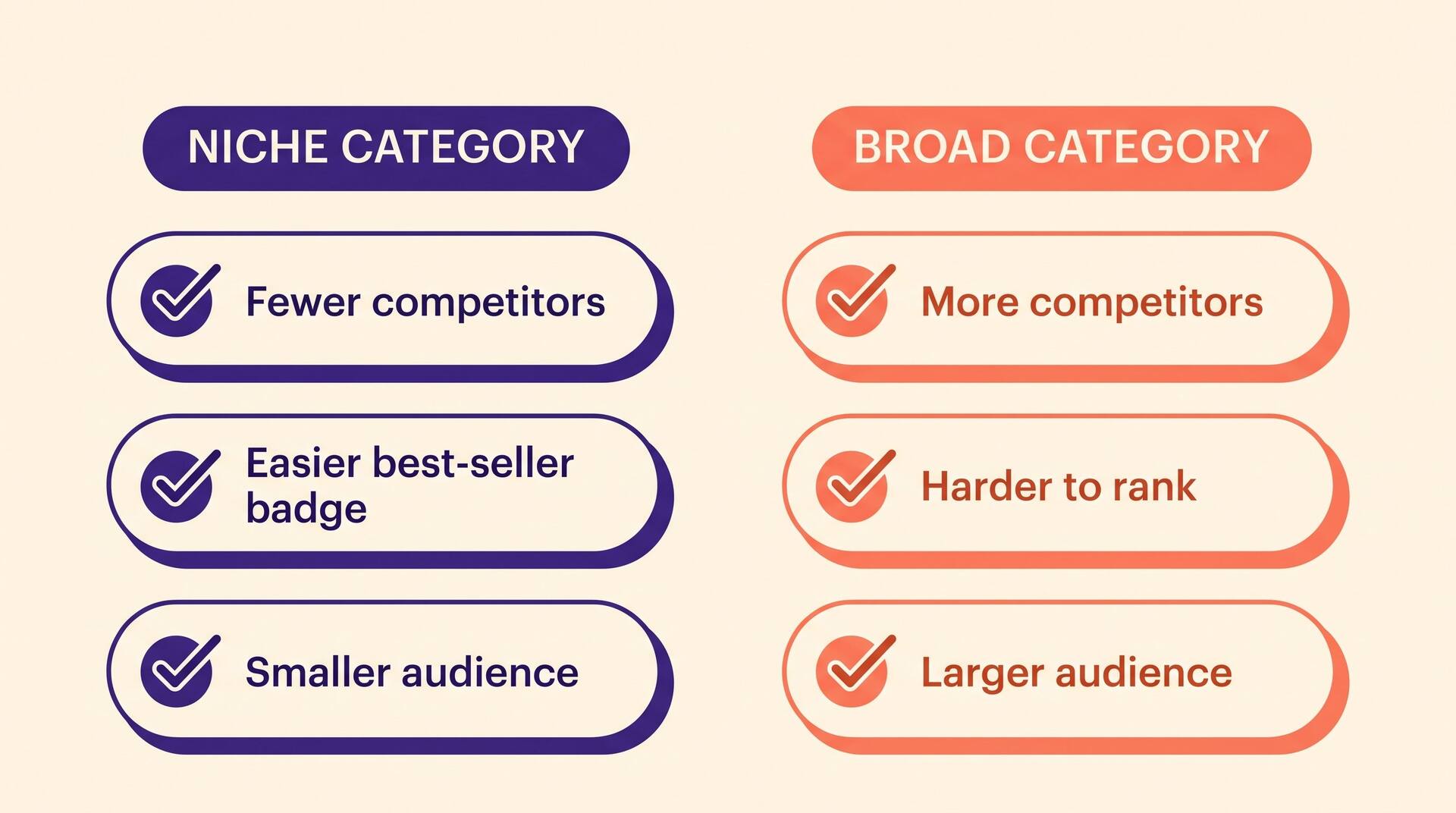
Narrow categories are easier to rank in but get less organic browse traffic. Broad categories send more passers-by but are nearly impossible to top. The mistake is treating this as a single choice — it's a portfolio. With up to 10 placements, you want a spread.
A sensible mix: one or two aspirational broad categories you may never win but that put you in front of high-traffic browse pages, and several narrow categories you can realistically own. The narrow wins manufacture the badge that then lifts conversion in the broad ones.
Avoid categories that are narrow but also dead — a sub-niche with almost no sales gives you a badge nobody sees. The target is a category small enough to win but large enough that real readers browse it. Sales rank of the current #5 book is your tell: you want it ranking well enough to prove the shelf has buyers, but not so well you can't catch it.
To find the narrow-but-alive shelves that sit in that sweet spot, run your genre through our free niche finder.
BISAC and browse-node research, step by step
BISAC codes are the publishing-industry subject taxonomy (e.g. FIC027190 is "Fiction / Romance / Romantic Comedy"). KDP maps your category picks to them, but you can also research from the BISAC side to discover sub-genres you didn't know existed and that match your book better than the obvious choice.
Do the legwork inside Amazon itself: browse to a comparable book, scroll to its "Product details," and read its Best Sellers Rank lines — each one names the exact categories that book is placed in, with live links. Click through, study the top 5, and note the BSR of the leaders. This reverse-engineers the category list of any successful competitor in your genre.
Build a shortlist of 8 to 12 candidate paths this way, then rank them by winnability (leader BSR) against traffic (does the shelf have enough buyers). The top 10 by that combined score become your placement requests.
Building that 8-to-12 candidate shortlist by hand is the slow part. Speed it up with our free KDP category finder.
Category pivots: re-evaluating when rank stalls
Categories are a living part of your listing, not a launch-day decision you make once. Competition shifts: a rival launches into your soft shelf, a seasonal surge floods a category, or your own sales decay and you slip off the badge. Re-audit your placements every quarter.
The signal to pivot is simple — you held a badge and lost it, and the new leader's BSR shows the shelf got materially harder. Rather than spending on ads to climb a now-crowded category, email support to swap that placement for a fresher narrow one you can win. A pivot costs nothing and can restore a badge in a day.
Also pivot when your book itself changes position in the market. A romance that found its real audience among "small-town" readers should move its placements toward that sub-niche even if you originally categorized it as general contemporary romance.
Common mistakes that cost you the badge
Picking categories your book doesn't genuinely fit. A thriller jammed into a cozy-mystery shelf to grab an easy badge draws the wrong readers, who then leave one-star "not what I expected" reviews that tank your conversion. The badge isn't worth a mismatched audience.
Stopping at the 3 default placements and never emailing for the rest. You're leaving up to 7 free leaderboards unclaimed.
Choosing categories by name appeal instead of by competition. "Epic Fantasy" sounds prestigious and is a bloodbath; an honest narrow sub-category wins the badge that actually moves sales.
Confusing categories with keywords. Your 7 keyword slots and your category placements are separate systems — keywords feed search, categories feed browse and the badge. Optimize both, and don't try to make one do the other's job.