

What's on this page
Your seven keyword slots are the single biggest lever you control over where your book shows up in Amazon search, and they are also the most misused field in the entire KDP setup. The mistake is almost always the same: authors retype their title and genre into the slots and call it done. Amazon already indexes your title, subtitle, and category, so repeating them buys you nothing. This guide treats the slots as what they really are — seven separate chances to be found for phrases that appear nowhere else on your page. We'll cover how the slots are indexed, which words Amazon will reject, why phrases beat single words, and you can plan all seven right here on the page before you ever touch your dashboard.
How the 7 keyword slots work
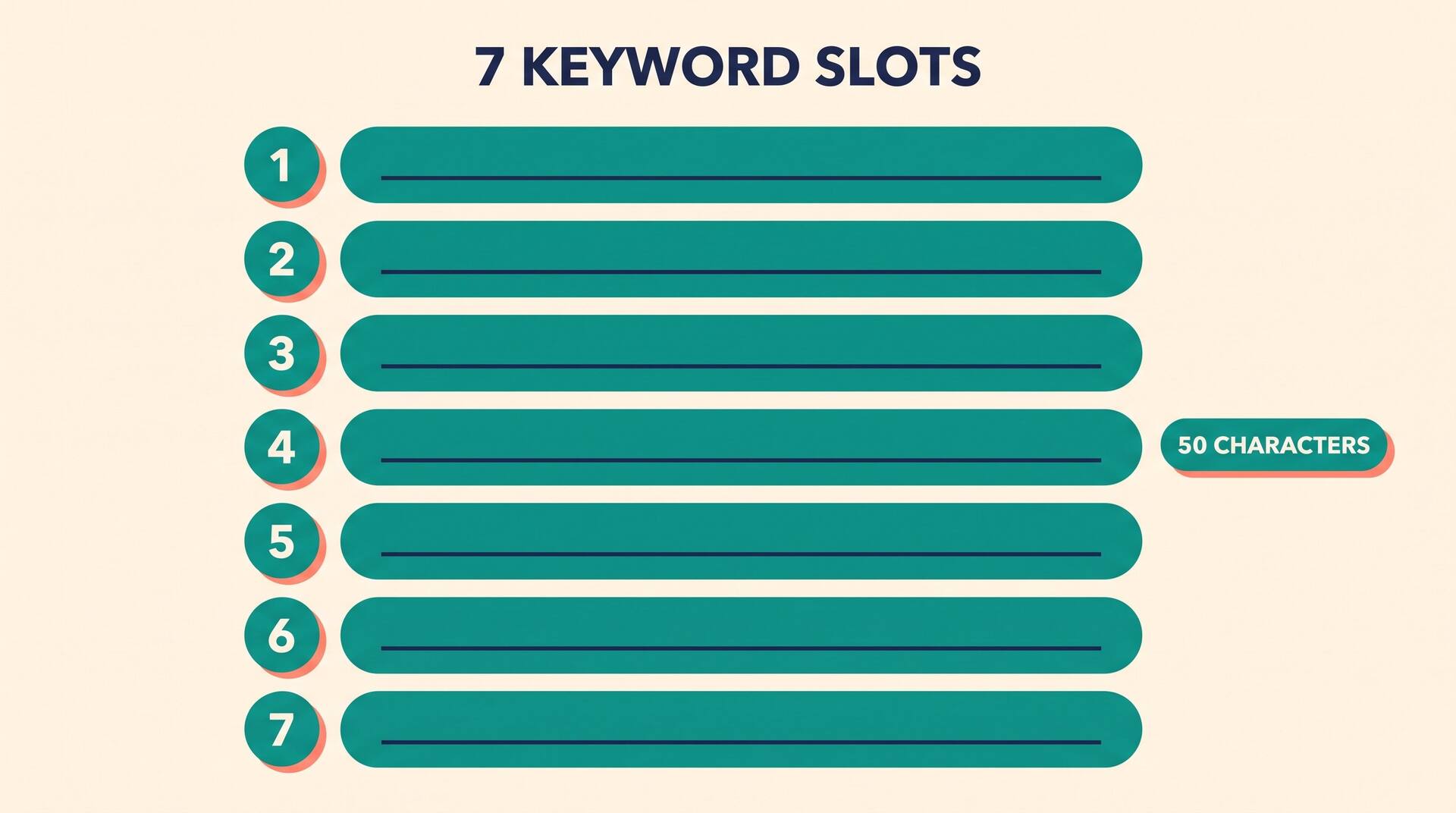
When you publish on KDP, the keyword section sits on the details step, below your title and subtitle. You get seven boxes, each holding up to 50 characters. Amazon takes all seven, combines them with your title, subtitle, and categories, and uses the whole pile to decide which customer searches your book can appear in. The slots are invisible to readers — that's why they're often called your hidden or backend keywords.
The part that trips people up: Amazon indexes the words across slots, not the slots as rigid phrases. A search for "small town cozy mystery" can match even if those words are scattered across slot one and slot four. So your goal is wide coverage of the distinct words and short phrases a buyer might type, not seven tidy, self-contained titles. Every duplicated word is a word you could have spent on new ground.
What you're working with
7
keyword slots per book
50
characters allowed per slot
~350
characters of search coverage to spend
Plan your 7 slots live
Type your book's title and category once, then draft your seven slots below. The planner flags words you've wasted by repeating your title or category, spots duplicates across slots, catches terms Amazon restricts, and counts how many distinct search words you're actually covering. The example loaded in is a cozy mystery — clear it and use your own.
Slot analysis
0 distinct search terms covered across your seven slots.
Clean sweep. Seven slots, no duplicates, no banned words, nothing repeated from your title or category.
Phrases beat single words
A common instinct is to load each slot with single high-traffic words — mystery, thriller, suspense — to maximize reach. It backfires. Single broad words throw you into oceans of competition where a new book has no chance of ranking, and they often duplicate your category anyway. Multi-word phrases, the kind shoppers actually type, are where new books win.
These long-tail phrases describe a specific reader's specific craving: "enemies to lovers small town romance," "fast paced military sci fi series," "cozy witch mystery with cats." Fewer people search each one, but the ones who do are ready to buy exactly your book, and far fewer rivals are competing for the phrase. A handful of well-chosen long-tail phrases will out-sell seven generic single words almost every time.
Use customer language
- small town second chance romance
- clean read no graphic content
- strong female lead fantasy series
- books for fans of cozy mysteries
Skip the generic
- good
- story
- fiction
- reading
Steal the exact words readers use. Mine the reviews of comparable books, your category's also-boughts, and Amazon's own search autocomplete — those dropdown suggestions are real searches people make.
Keywords Amazon bans
Amazon publishes rules for keyword content, and breaking them ranges from quietly ignored to your book getting suppressed. Stay clear of every category below.
Other authors' and books' names
You can't keyword "like Agatha Christie" or a rival title. Trademarked names and competitor titles are off limits and can get your book pulled.
Subjective quality claims
Best, greatest, number one, must-read. Amazon treats these as unverifiable hype and ignores them. They burn characters for nothing.
Time-sensitive or promo words
New, on sale, free, available now. Promotions change; the index doesn't. These are explicitly disallowed in keyword fields.
Bestseller and ranking claims
Bestseller, best selling, award winning. You can't claim a rank you haven't earned, and Amazon filters these terms out.
Format and platform words
Kindle, ebook, book, KDP, Amazon. The store already knows what it sells. These are redundant and waste the slot.
Misspellings and offensive terms
Amazon corrects common typos automatically, so misspelled keywords are pointless, and anything obscene or misleading is forbidden outright.
There is no penalty preview for this. A keyword field stuffed with banned terms can simply stop your book from appearing in search at all, and you won't get a warning email. Keep the slots clean.
A great keyword plan needs a finished book under it
Keywords decide who finds your book; the book decides whether they stay. Draft and format your full manuscript with AIWriteBook, then publish it with all seven slots dialed in.
Order and relevance inside a slot
Word order inside a single slot matters less than people fear — Amazon matches the words, not the exact sequence — but relevance matters enormously. Every keyword you add tells Amazon what your book is about, so an off-topic keyword that happens to be popular can actually hurt you. If you keyword "vampire romance" on a sweet contemporary romance, you'll surface for the wrong shoppers, get clicks with no sales, and Amazon learns your book disappoints those searchers.
So lead with the phrases that describe your book most accurately and most specifically, then widen out. Put your tightest reader-intent phrases in the first slots, your broader supporting terms later. Never chase a high-volume keyword that misrepresents the book — a smaller, honest match beats a big, dishonest one because conversion is what Amazon's ranking actually rewards.
Do
- Keep every keyword genuinely true to the book's content and tone.
- Front-load your most specific, highest-intent phrases.
- Cover different angles: subgenre, theme, reader type, mood, comp audience.
Don't
- Keyword a popular subgenre your book isn't actually part of.
- Repeat the same root word across multiple slots.
- Pad with single broad words you'll never rank for.
Tracking and updating after launch
Your first seven slots are a hypothesis, not a verdict. Once the book is live, watch where it actually surfaces and sells, then revise. KDP lets you edit keywords any time, and changes are reindexed within a few days, so there is no reason to leave a weak slot in place for months.
Give a set of keywords a few weeks before judging it, then change one variable at a time so you can tell what moved the needle. If a slot's phrase never produces an impression, it's either too obscure or doesn't match how readers search — replace it. The slots you launch with are rarely the slots a book sells on a year later.
Launch with your best hypothesis
Fill all seven slots with distinct, honest, long-tail phrases. Don't leave any blank.
Wait two to four weeks
Let Amazon gather impression and sales data before you judge any term.
Find the dead slots
Search your own keywords incognito. If your book never appears for a phrase, that slot isn't working.
Swap and re-measure
Replace weak phrases one at a time, then check again. Keep what sells, retire what doesn't.
Tools that do the keyword legwork
Drafting seven distinct, allowed, high-intent phrases by hand is slow. These free tools find the terms, the niches, and the categories that pair with your slots.
KDP keyword research tool
Generate long-tail, customer-language keyword ideas tuned to your book and ranked by intent.
Niche finder
Spot underserved sub-niches where your seven slots can actually rank instead of drowning.
Category finder
Pick the categories that already index your obvious words, so your slots stay free for new ones.
KDP keyword slots FAQ
Do I have to fill all seven keyword slots?
You don't have to, but you should. Each empty slot is roughly 50 characters of free search coverage left on the table. As long as you have distinct, relevant, allowed phrases to add, fill every one — there's no penalty for using them all and a real cost to leaving them blank.
Should I repeat my title words in the keyword slots?
No. Amazon already indexes your title, subtitle, and category automatically, so any word from them in a slot is wasted. Use the slots only for descriptive phrases that appear nowhere else on your book's page.
Can I use commas to separate keywords in one slot?
You can, but you usually shouldn't. Each slot reads best as one natural phrase a customer might type. Stuffing a slot with comma-separated single words wastes characters on punctuation and reads as keyword spam. One clean phrase per slot is the stronger pattern.
How long until new keywords take effect?
Edits to your keyword slots are typically reindexed within a few days, sometimes faster. That's why testing and swapping slots is cheap — give a set a few weeks to gather sales data, then revise the weak ones.
Are keywords or categories more important on KDP?
They do different jobs. Categories place you on specific browse shelves and bestseller lists; keywords decide which typed searches you appear in. You need both. The smartest setup uses categories to cover your obvious genre words so your seven slots stay free for the long-tail phrases categories can't reach.
What happens if I use a banned keyword?
At best Amazon ignores the term, wasting the space. At worst — for trademarked names, false bestseller claims, or misleading terms — your book can be suppressed in search or removed, usually with no warning. Keep every slot to honest, allowed, on-topic phrases.
Seven slots, seven new doors
Filling your KDP keywords well is not about cramming in the most popular words — it's about opening seven doors your title and category leave shut. Drop the duplicates, skip the banned terms, write in the language real readers type, and keep every slot honest to what's inside the book. That's the whole strategy, and it puts you ahead of most of the catalog.
Set your slots, launch, watch where you surface, and refine. For the full picture on choosing terms, see our deeper guide and the rest of the publishing checklist in our KDP keyword research guide, complete Amazon KDP guide.