

Make a Children's Book with AI, Words and Pictures
Tell AIWriteBook who your story is about and what happens. It plans the book page by page, writes the text for each page, and illustrates every scene with the same characters and one art style from cover to last page. Then download a print-ready PDF for KDP.
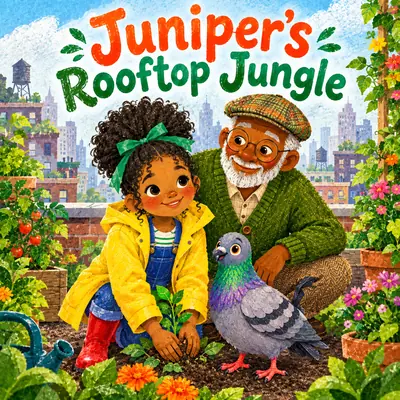
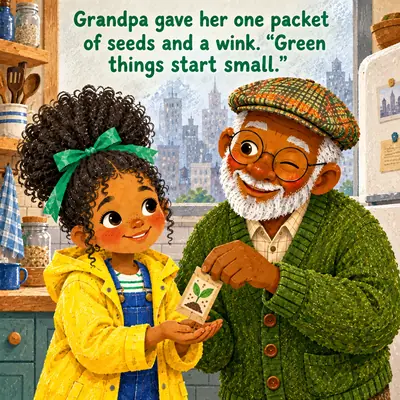
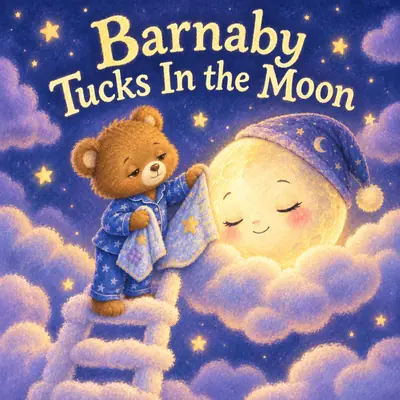
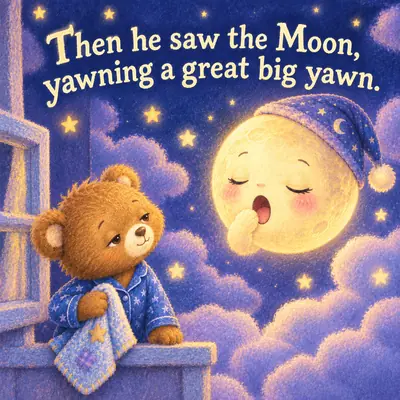
Children's Books Made with AI Here
A picture book, a bedtime story, an alphabet book, and a social story, all made in the app. Open any of them and flip through every page, full size, with the words on each page.
Every example on this page was made with the AIWriteBook visual book creator: the same characters, art style, storyboard, and page-by-page illustration steps you get in the app.
How to Make a Children's Book with AI
Four steps from an idea to a finished, illustrated book.
- 1
Start with your idea
Give the book a title and language, choose the Children's Picture Books genre, and pick single pages or two-page spreads plus a trim size like 8.5 x 8.5 in.
- 2
Meet your characters
Describe the hero, the friends, the pet, and the places they visit. Each one gets a reference image, so they look the same on every page.
- 3
Choose the art style
Describe the look in words (watercolor, crayon, soft pastels) or upload your own reference. That style guides every illustration in the book.
- 4
Storyboard, illustrate, export
The storyboard plans each page. Generate the illustration and text page by page, adjust fonts and placement, then download a standard or print-ready PDF.
One Children's Book Generator for the Whole Book
The story, the pictures, and the print file in one place, without switching between a writing app, an image generator, and a layout tool.
Characters kids recognize
Reference images for every character, object, and place keep faces, outfits, and colors the same from the first page to the last.
One art style, every page
Your locked style image is applied to every illustration, so the book reads as the work of a single illustrator.
A storyboard you control
Decide page by page whether it gets a full illustration, a soft background, or just text, and add, delete, or regenerate pages.
Edit any page
Describe a change to adjust an illustration, generate a fresh one, or crop it. Rewrite the page text with AI or by hand.
Print-ready for KDP
Nine trim sizes including 8.5 x 8.5, 8 x 10, and 8.5 x 11 in, with optional 0.125 in bleed for print-on-demand.
Text young readers can read
Five font families, adjustable size and color, and top, center, or bottom placement for the words on every page.
More Books You Can Make With AI
The same visual book creator handles every format. Pick the kind of book you want to make next.
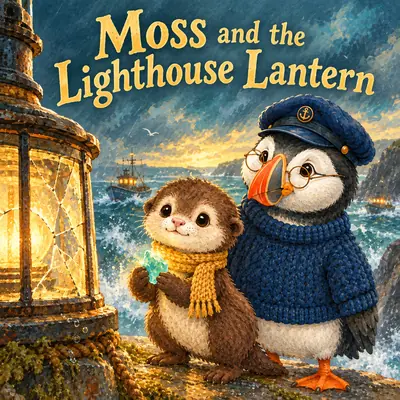 Picture Book MakerIllustrated children's stories with consistent characters
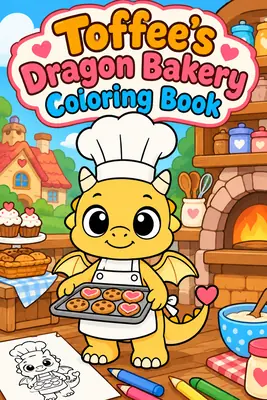 Coloring Book MakerBlack-and-white line art pages, ready to print
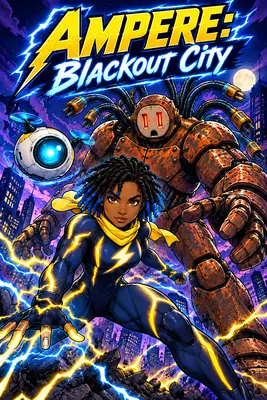 AI Comic GeneratorBold, panel-driven comic books with recurring heroes
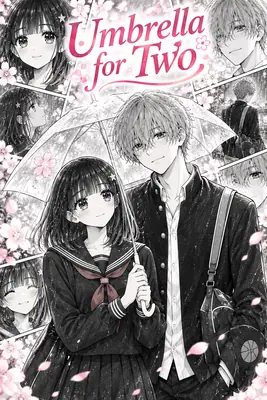 AI Manga GeneratorManga-style pages with expressive, consistent characters
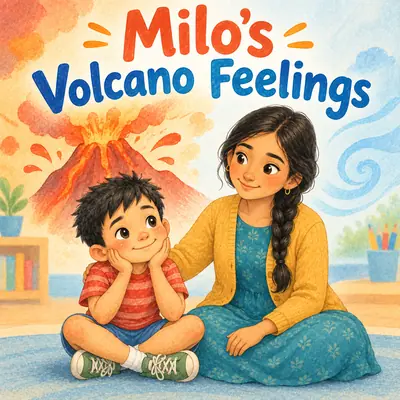 Social Story GeneratorCalm, step-by-step stories for routines and big feelingsBedtime Story Book MakerSoft, sleepy picture books for the end of the day
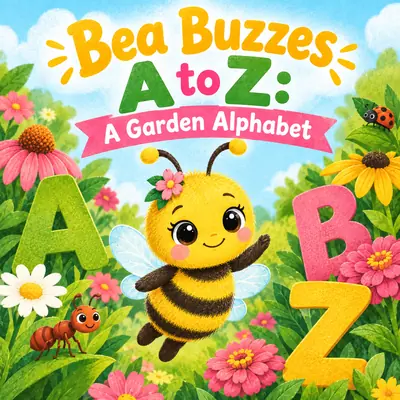 Alphabet Book MakerA-to-Z books with one illustrated page per letterFree Book Cover GeneratorDesign a cover for any book in seconds
AI Children's Book Generator FAQ
Start a new visual book in AIWriteBook, choose the Children's Picture Books genre, describe your characters, and pick an art style. The storyboard plans every page, and you generate the illustration and text for each one, adjust anything you like, and export a PDF.
Yes. The AI children's book generator writes the text for each page and illustrates it in the same step. You can keep what it writes, rewrite it with AI, or type your own words.
Yes. Each recurring character, object, and place gets its own reference image, and every page illustration is generated from those references and your locked art style.
Picture books, bedtime stories, alphabet books, social stories, and coloring books all use the same visual book creator. The examples on this page show four of them.
Yes. The print PDF is sized to your chosen trim, one page per sheet, with an optional 0.125 in bleed that print-on-demand services require, so it is ready to upload to KDP. You keep full ownership of your book.
You can start your first illustrated children's book on the free plan. Each fully illustrated page costs 20 credits and free exports carry a small watermark. Pro and Ultra unlock unlimited visual books and watermark-free exports.
Our guide on how to write a children's book covers age groups, story structure, word counts, and publishing. For writing, publishing, and marketing children's books as an author, see the page for children's book creators.
Your Children's Book Starts with One Idea
Bring the hero, the story, and the style you have in mind. AIWriteBook writes the pages, draws the pictures, and builds the print file.
Start your first illustrated book on the free plan. Each fully illustrated page costs 20 credits, and free exports carry a small watermark. Pro and Ultra unlock unlimited visual books and watermark-free exports.