

Make a Coloring Book Full of Clean Line Art
Choose the Coloring Books genre and every page is rendered as black-and-white line art, ready for crayons and pencils. Keep the same characters from page to page, add a caption, and export a print-ready PDF.
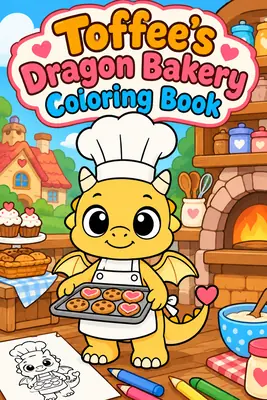
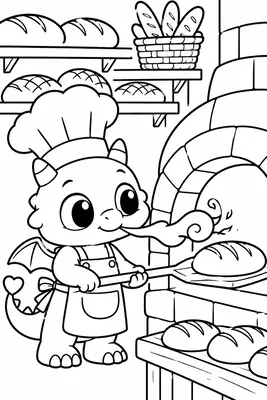
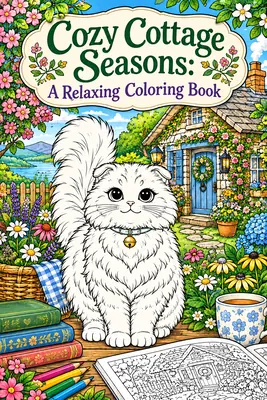
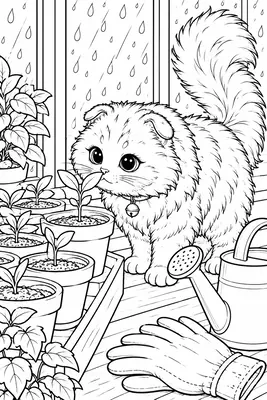
Flip Through a Coloring Book Made Here
Two complete coloring books from the app. Open one to see the cover and every line art page at full size.
Every example on this page was made with the AIWriteBook visual book creator: the same characters, art style, storyboard, and page-by-page illustration steps you get in the app.
How to Make a Coloring Book with AI
From a theme to a printable book in four steps.
- 1
Pick coloring mode
Choose the Coloring Books genre in the basics. The whole book switches to black-and-white line art, laid out one page at a time, with a trim size of your choice.
- 2
Add characters and scenes
Describe a mascot, a cast of animals, or a recurring setting. Reference images keep them recognizable across every page.
- 3
Set the line style
Describe the linework you want, from bold and simple for kids to detailed and relaxing for adults, or upload your own reference.
- 4
Plan, render, export
Storyboard each page, render the line art, add an optional caption, and download a print PDF with optional bleed.
Built for Printable Coloring Books
The same visual book creator, tuned for pages meant to be colored in.
Consistent mascots and themes
A reference image for each recurring character or object keeps your coloring book's cast recognizable throughout.
Line art on every page
Coloring mode applies to the whole book, so every page comes out as black-and-white line art with no fills to fight.
Page-by-page plan
The storyboard lists every page with its scene, so you can reorder ideas, drop pages, or regenerate a brief before rendering.
Fix any page
Ask for a change in plain words, generate a new version, or crop a page until it looks right.
KDP-ready print file
Trim sizes like 8.5 x 11 and 8 x 10 in, one page per sheet, with optional 0.125 in bleed.
Optional captions
Add a title or a short caption to any page, or leave it text-free, and choose the font and placement.
More Books You Can Make With AI
The same visual book creator handles every format. Pick the kind of book you want to make next.
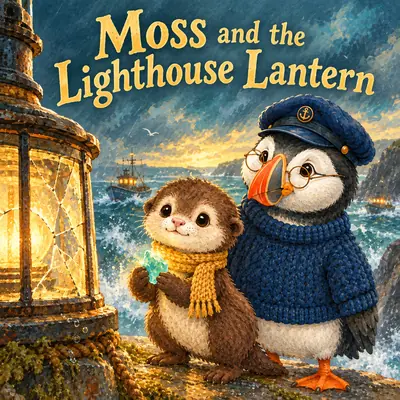 Picture Book MakerIllustrated children's stories with consistent characters
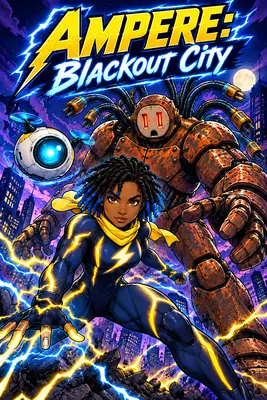 AI Comic GeneratorBold, panel-driven comic books with recurring heroes
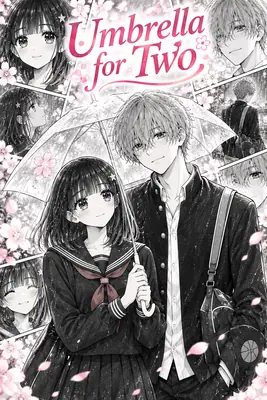 AI Manga GeneratorManga-style pages with expressive, consistent characters
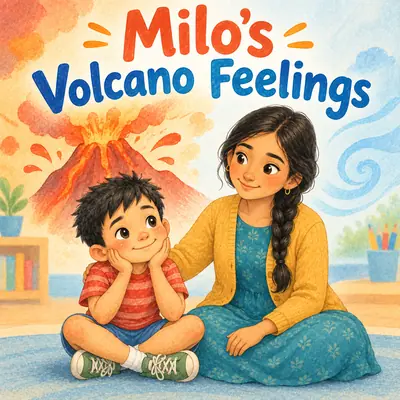 Social Story GeneratorCalm, step-by-step stories for routines and big feelings
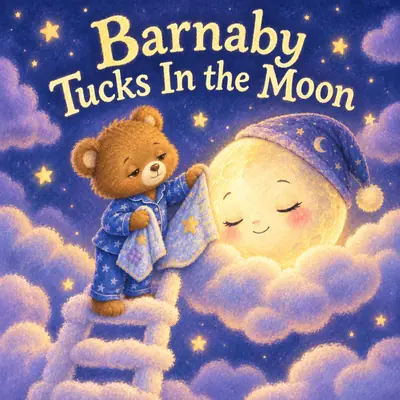 Bedtime Story Book MakerSoft, sleepy picture books for the end of the day
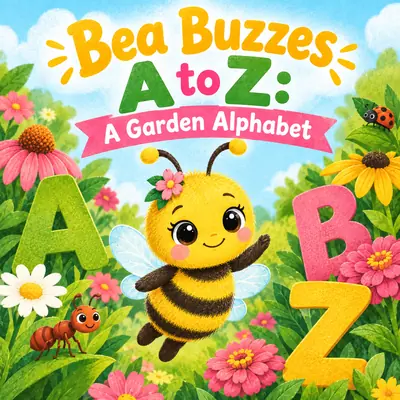 Alphabet Book MakerA-to-Z books with one illustrated page per letter
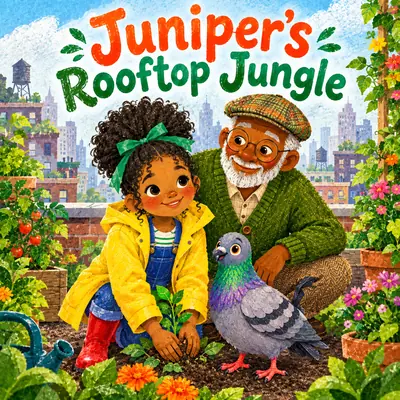 AI Children's Book GeneratorChildren's stories written and illustrated page by pageFree Book Cover GeneratorDesign a cover for any book in seconds
Coloring Book Maker FAQ
Create a visual book, choose the Coloring Books genre, describe your characters and line style, and let the storyboard plan the pages. Render each page as line art, then export a PDF.
Yes. When the book's genre is Coloring Books, every page is rendered as black-and-white line art. The setting applies to the whole book.
Yes. The line style is up to you: describe detailed patterns, cozy interiors, or intricate scenes, or upload a reference image of the look you want.
The print PDF is sized to your trim with one page per sheet and optional 0.125 in bleed, ready to upload to KDP. You keep full ownership of your book.
Yes. Recurring characters and objects get reference images in the World and Characters step, and every page is generated from them.
You can start your first illustrated book on the free plan. Each fully illustrated page costs 20 credits and free exports carry a small watermark. Pro and Ultra unlock unlimited visual books and watermark-free exports.
Yes. Any page can have a caption or title in one of five font families, placed at the top, center, or bottom, or no text at all.
Turn Your Theme into a Coloring Book
Dragons, cottages, mandalas, or a mascot kids already love. Describe it once and get a whole book of line art pages.
Start your first illustrated book on the free plan. Each fully illustrated page costs 20 credits, and free exports carry a small watermark. Pro and Ultra unlock unlimited visual books and watermark-free exports.