

Make an Alphabet Book from A to Z
Pick a theme (a garden, outer space, a farm) and a mascot to guide readers through the letters. AIWriteBook plans the pages for every letter, illustrates them all in one style, and gives you a print-ready PDF.
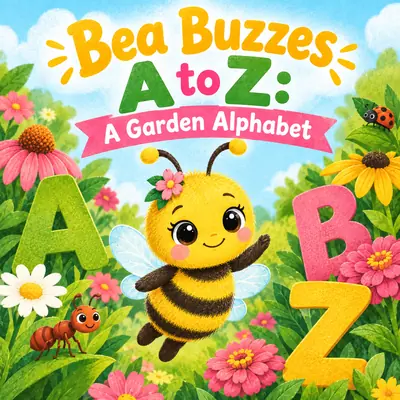
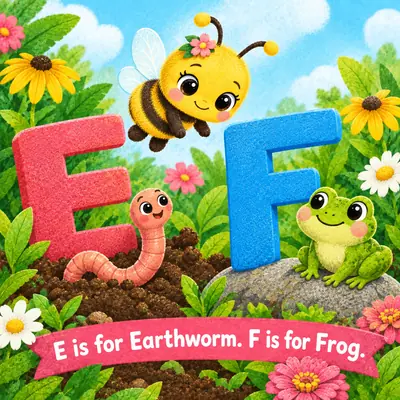
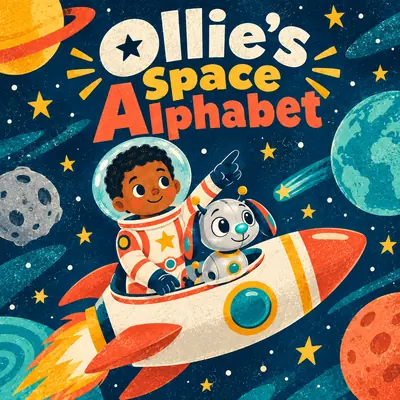
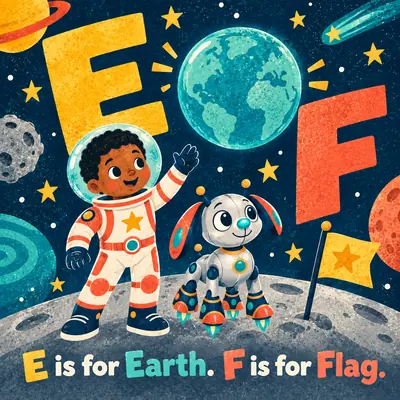
Flip Through an Alphabet Book Made Here
Two complete alphabet books from the app. Open one and go letter by letter, full size, with the text on each page.
Every example on this page was made with the AIWriteBook visual book creator: the same characters, art style, storyboard, and page-by-page illustration steps you get in the app.
How to Make an Alphabet Book
Four steps from a theme to a finished A to Z.
- 1
Choose the theme
Title the book, set its language, choose the Children's Picture Books genre, and pick a square trim like 8.5 x 8.5 in.
- 2
Create the mascot
Describe a guide character who appears throughout, plus key objects. Reference images keep them consistent from A to Z.
- 3
Lock the style
Describe bright flat shapes, soft watercolor, or bold crayon, or upload a reference. Every letter page follows it.
- 4
Plan the letters and export
Review the page-by-page plan, render each letter page, set big readable text, and download a PDF.
Built for Early Readers
Clear pages, a steady cast, and letters you can actually read.
One mascot, A to Z
A reference image keeps your guide character recognizable on every page of the alphabet.
Matching illustrations
The locked style image makes A look like it belongs in the same book as Z.
Letter-by-letter plan
The storyboard lists every page, so you can swap a word, rewrite a letter, or regenerate a page brief before illustrating.
Change any picture
Describe what to change on a page, generate a new illustration, or crop it.
Big, clear letters
Choose a rounded or display font, increase the size, pick the color, and place text top, center, or bottom.
Print or share
Export a standard PDF for screens or a print PDF with optional bleed for a physical book.
More Books You Can Make With AI
The same visual book creator handles every format. Pick the kind of book you want to make next.
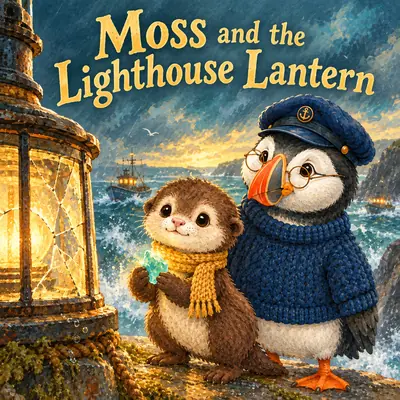 Picture Book MakerIllustrated children's stories with consistent characters
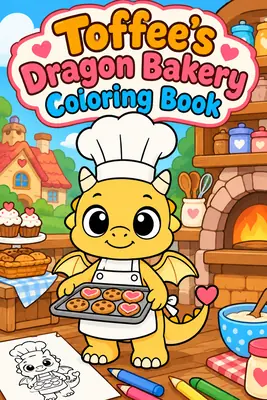 Coloring Book MakerBlack-and-white line art pages, ready to print
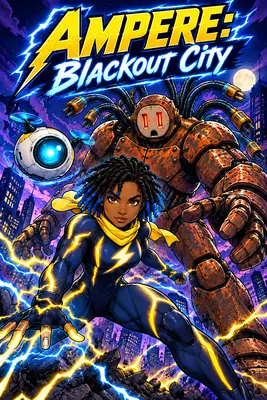 AI Comic GeneratorBold, panel-driven comic books with recurring heroes
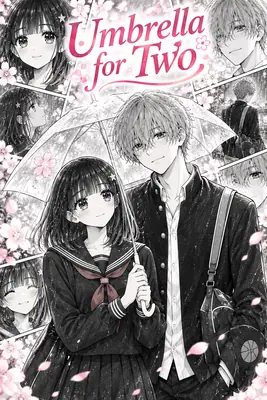 AI Manga GeneratorManga-style pages with expressive, consistent characters
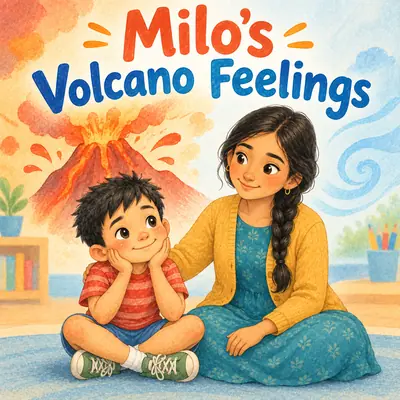 Social Story GeneratorCalm, step-by-step stories for routines and big feelings
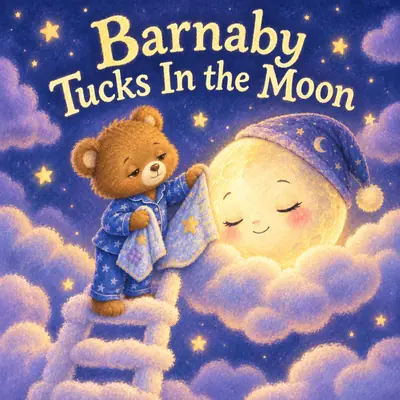 Bedtime Story Book MakerSoft, sleepy picture books for the end of the day
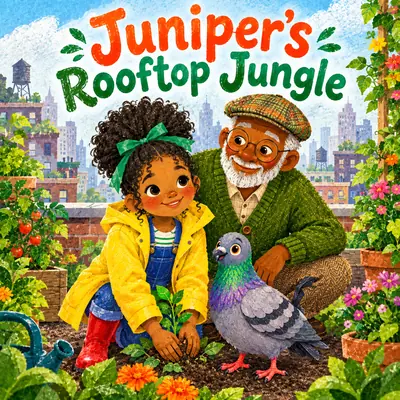 AI Children's Book GeneratorChildren's stories written and illustrated page by pageFree Book Cover GeneratorDesign a cover for any book in seconds
Alphabet Book Maker FAQ
Create a visual book, choose a theme and a mascot, lock an art style, and review the storyboard. Then render each letter page, adjust the text, and export a PDF.
The storyboard plans which letters go on which page, one or two per page, and you can add, remove, or regenerate pages until every letter is covered the way you want.
Yes. Recurring characters and objects get reference images in the World and Characters step, and every page is illustrated from them.
Yes. You choose the theme, the words for each letter, the mascot's look, and the art style, and every page's text can be edited.
The print PDF is sized to your trim, one page per sheet, with optional 0.125 in bleed, ready for print-on-demand services like KDP. You keep full ownership of your book.
You can start your first illustrated book on the free plan. Each fully illustrated page costs 20 credits and free exports carry a small watermark. Pro and Ultra unlock unlimited visual books and watermark-free exports.
Yes. Set the book's language in the basics and the page text is written in that language.
From A to Z, Ready to Print
Pick a theme and a mascot. AIWriteBook plans the letters, illustrates every page, and hands you a book ready to print.
Start your first illustrated book on the free plan. Each fully illustrated page costs 20 credits, and free exports carry a small watermark. Pro and Ultra unlock unlimited visual books and watermark-free exports.