

Graphic novels for Amazon KDP
AI Graphic Novel Generator for KDP
An Amazon KDP graphic novel needs three things most AI image tools cannot give you at once: a story that holds together for dozens of pages, characters who look the same on page 60 as on page 1, and a file KDP's print check accepts. AIWriteBook does all three in one project.
Your first visual book is free to start.
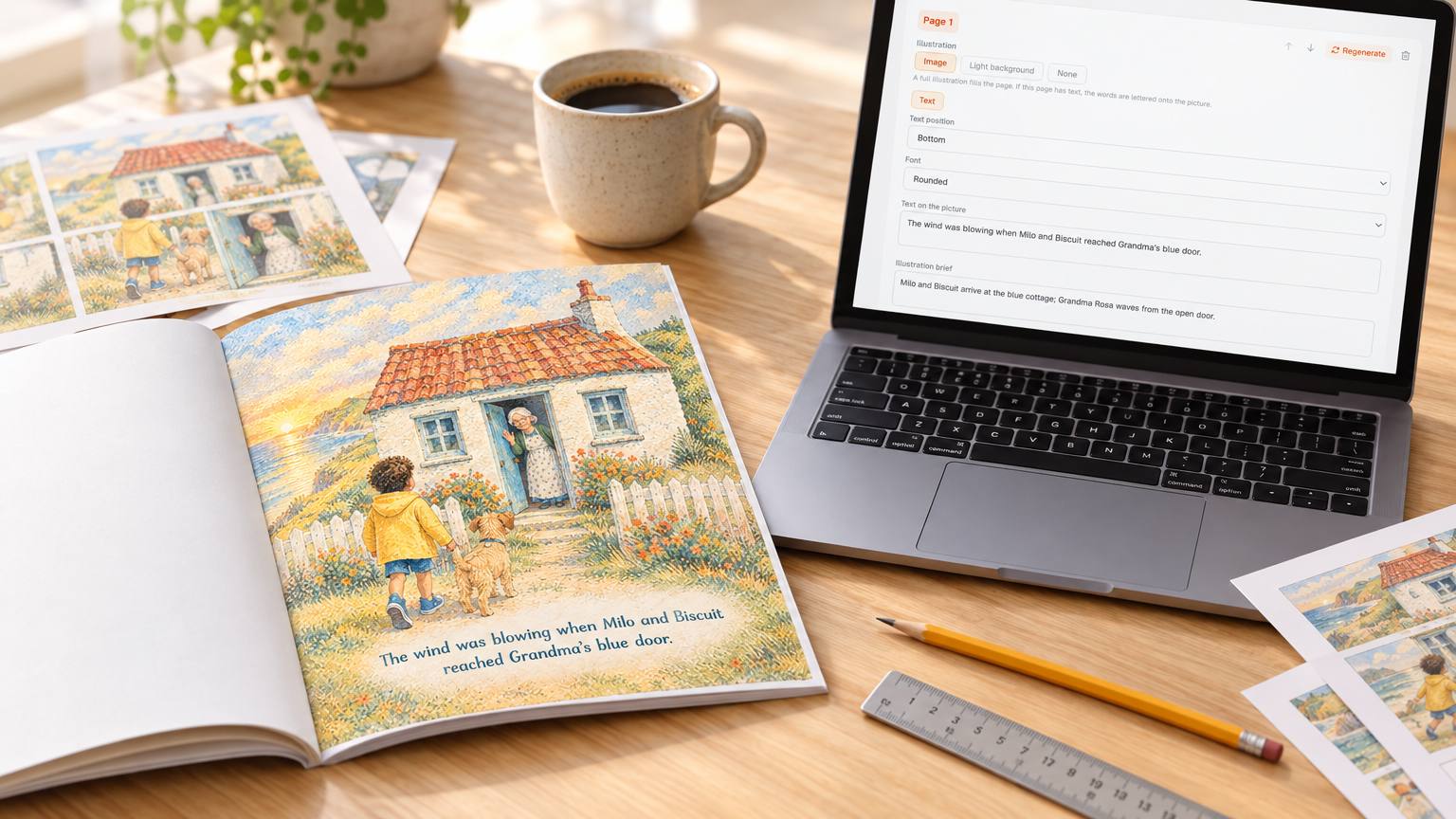
From premise to print proof in six steps
The same flow every visual book in AIWriteBook follows, set up for long-form sequential storytelling.
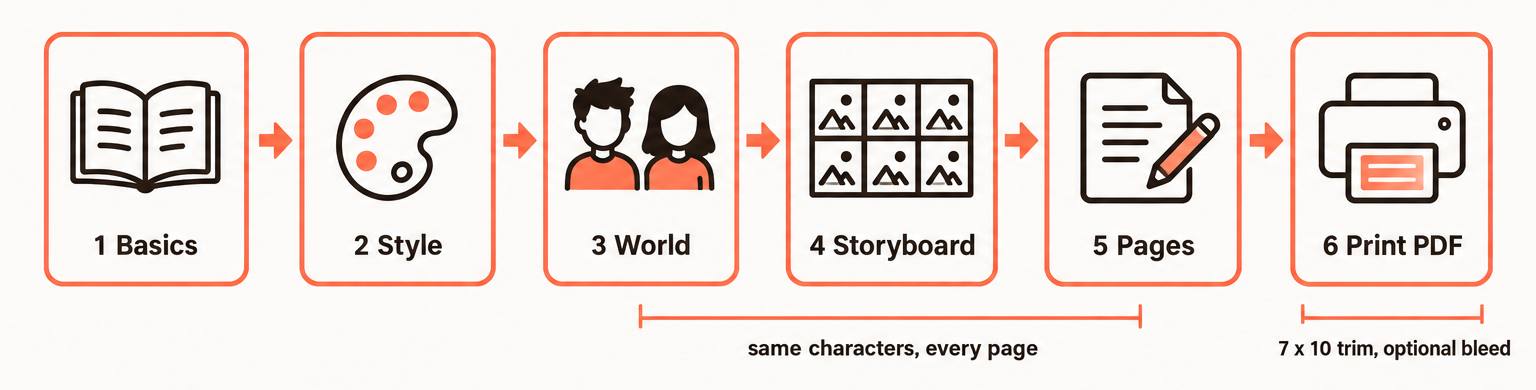
01
Basics
Choose Manga and Comics, then the Graphic Novels subgenre. The trim defaults to a single-page layout; pick 7 x 10, the size labelled for comics and graphic novels, and set up to 100 pages.
02
Style
Generate a style swatch and a written style prompt, or upload your own reference art. Every page is rendered to match it.
03
World
Create each recurring character, object and location with its own reference image. This is your model sheet.
04
Storyboard
The AI drafts a page-by-page plan: an illustration brief, the text for the page, which characters appear, and whether the words sit on the art or beside it.
05
Pages
Render each page, then fix what you do not like with a sentence, a fresh version, a crop or a hand edit to the text.
06
Print PDF
Export a print-ready PDF, one trim page per sheet, with optional 0.125 inch bleed, plus a cover from the same art style.
The storyboard is your script
Comic writers script page by page, and so does the storyboard. Each page card holds what a script page would: what happens, who is in it, and the words the reader sees. Edit any card before a single image is rendered, reorder pages, add a quiet beat or cut one.
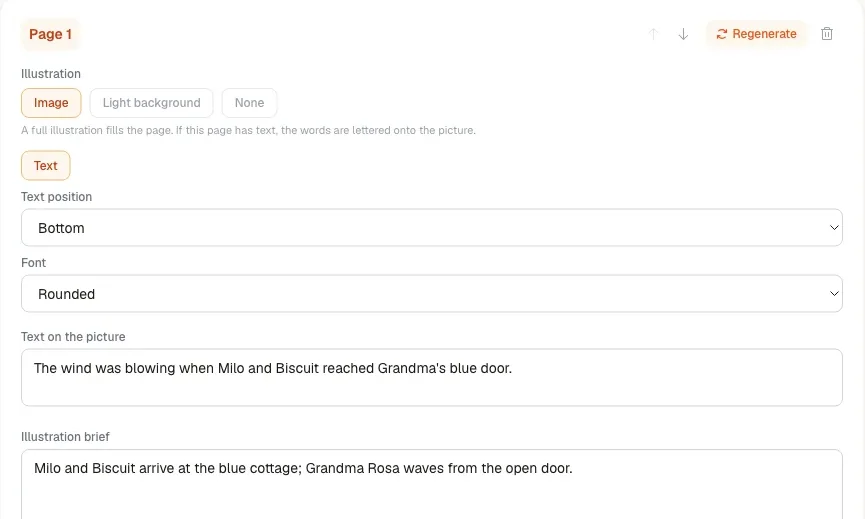
One page card from a noir graphic novel
- Illustration brief
- Rain-soaked rooftop at night. Detective Ana Ruiz, trench coat, bandaged left hand, looks down at the neon market below. Her partner's hat lies at her feet.
- Text on the page
- Six years of partnership. One hat. No body.
- Placement
- Over the art, top of the page
Name the character in every brief and keep the visual tags (bandaged left hand, trench coat) identical from card to card. The reference image does the heavy lifting, but consistent briefs keep the details from drifting.
Still shaping the story? Rough out the cast with the free character creator and the setting with the world builder before you open the storyboard.
What stays the same from the first page to the last
Faces and costumes
Every page with a character is generated from that character's reference image, so the hero keeps the same face, hair and outfit.
One art style
The locked style image drives every render, so a 90-page book reads as the work of one artist, not ten.
Places and props
Locations and objects get reference images too. The detective's office looks like the same office every time she walks in.
See how it works in detail on the visual books feature page.
Amazon KDP graphic novel specs, handled
The print settings that most often get a graphic novel rejected, and where each one is set in AIWriteBook.
When you upload, choose premium color ink in KDP's print options: art-heavy pages lose a lot of detail in standard color.
New to print sizes? Our glossary entry on trim size explains what the numbers mean for your interior and your cover.
Once the book is ready, find the search terms readers actually type with the free KDP keyword research tool.
Graphic novel generator FAQ
Related reading
Yes. Export the print-ready PDF at a KDP trim size such as 7 x 10 with bleed, upload it as a paperback interior, and declare the AI-generated text and images in KDP's AI content question.
Up to 100 pages per book. For a longer story, split it into volumes and reuse the same characters and style.
Each recurring character has a reference image, and every page that features them is generated from it, along with the book's locked style image.
Either. The AI drafts the storyboard from your premise, and you can rewrite any page's brief and text, add pages, remove them or reorder them before rendering.
It is the same visual book creator. A graphic novel is a longer, single story with a 7 x 10 print layout and a cast that has to stay consistent for a hundred pages, so this page focuses on scripting and KDP print setup.
Your first visual book is free to start, with the first world images and page renders included. After that pages use credits, and the Pro and Ultra plans unlock unlimited visual books and watermark-free exports.
Your graphic novel, on model and on spec
Bring the premise and the cast. Leave with a print-ready file.