

Visual Books
Illustrated books where every character stays the same
Picture books, comics and illustrated stories. One art style and one look per character, locked from the first page to the last.
- Reference image for every character
- Text lettered right into the page
- First two illustrated pages free
Turn a story into a picture book
The job: a book a child wants to hold, without hiring an illustrator.
Without it
- An illustrator costs thousands per book
- Image tools redraw the hero differently on every page
- Text, layout and print sizes are left to you
With Visual Books
- A full illustrated book from your story
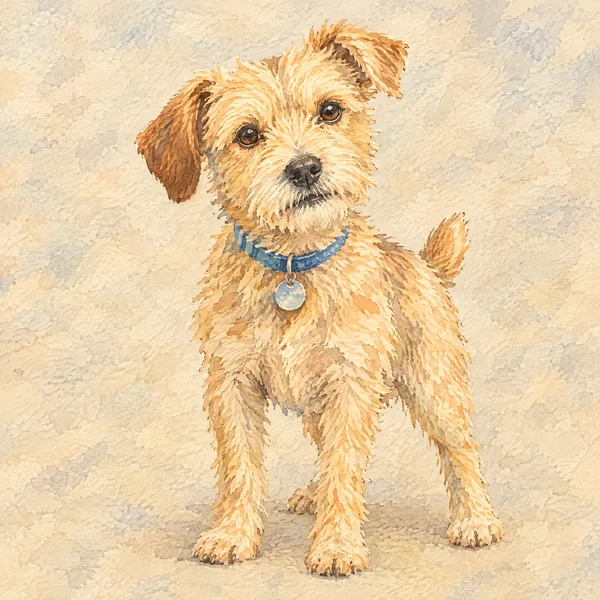
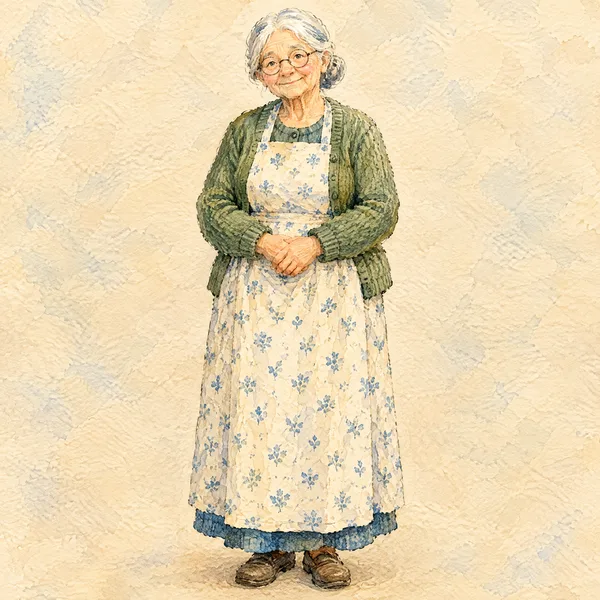
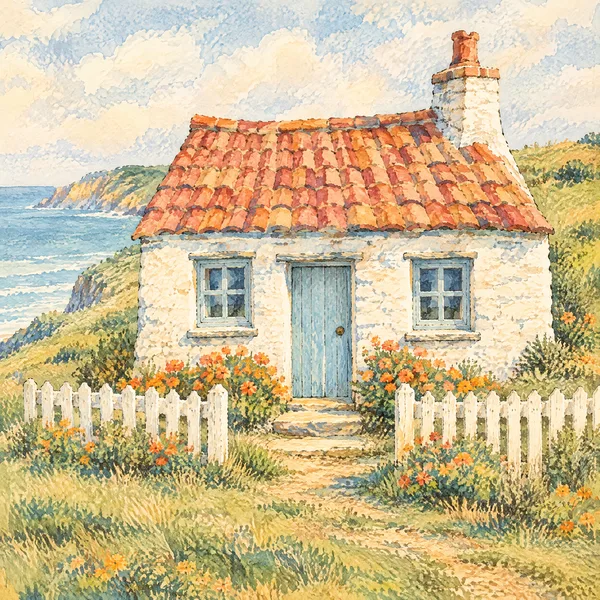
- The same Milo, the same dog, the same cottage on every page
- Text placed on the page, ready for print and EPUB
A real picture book, made on AIWriteBook
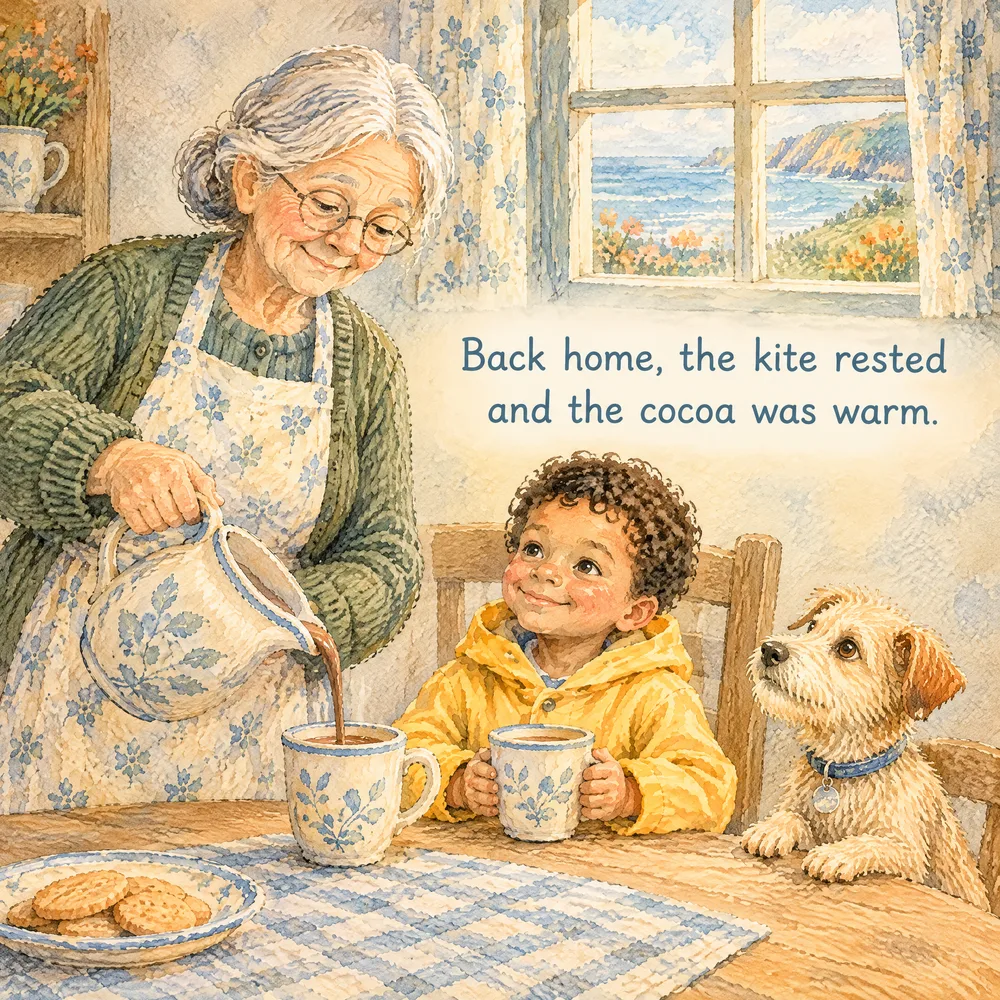
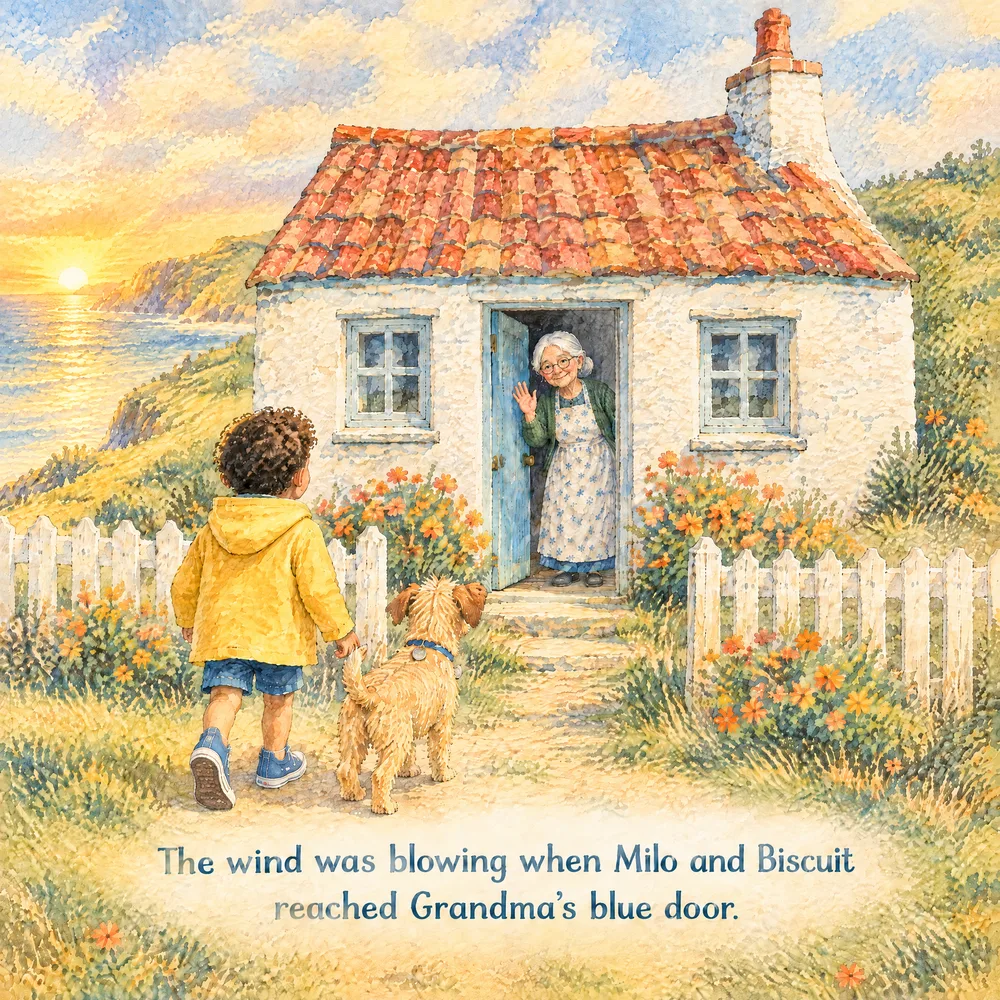
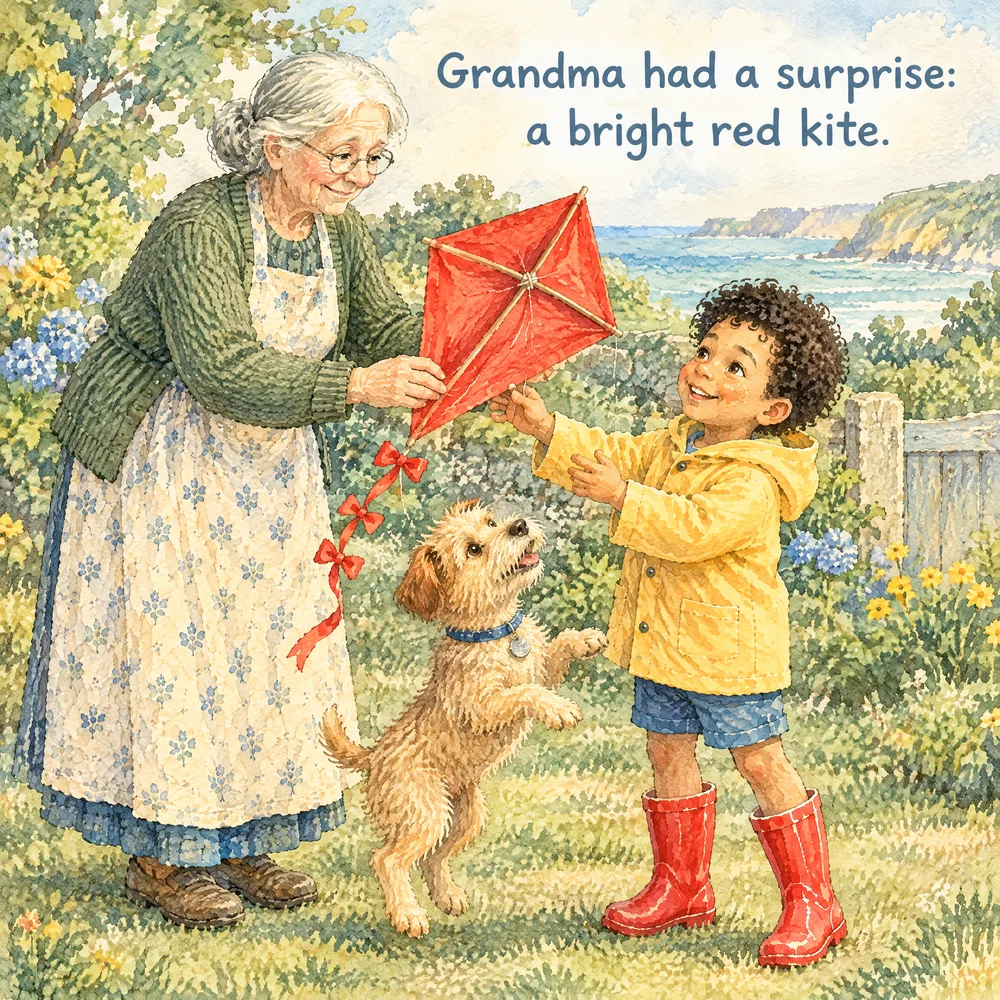
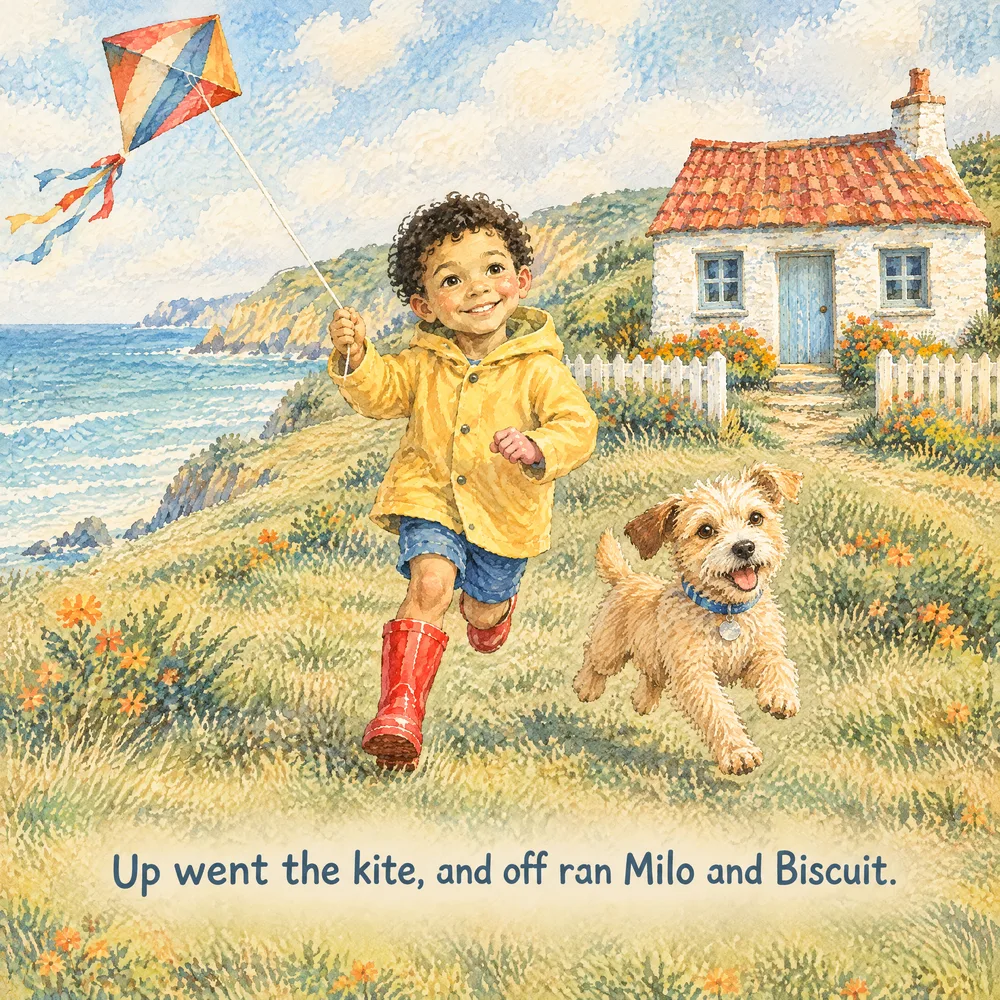
Milo's Windy Day: four pages and the character sheets they were drawn from.
From idea to illustrated book in five steps
Each step builds on the one before, so the pages match.
01Step
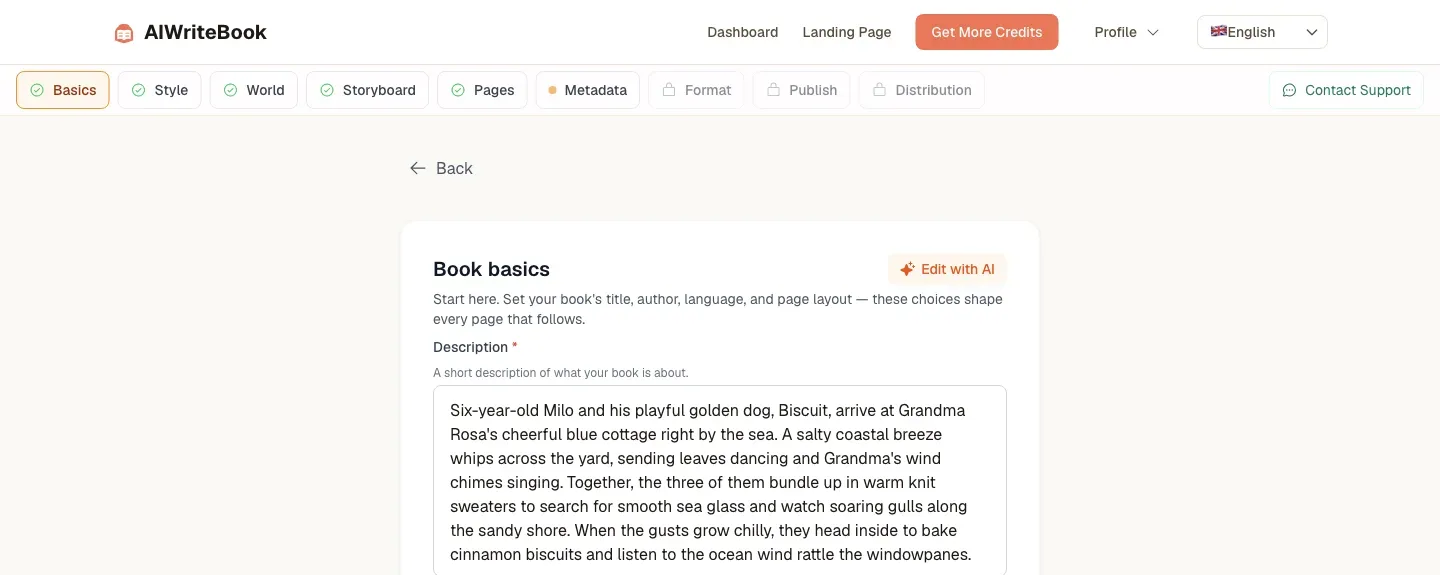
Book basics
Title, story, language, page count and trim size.
02Step
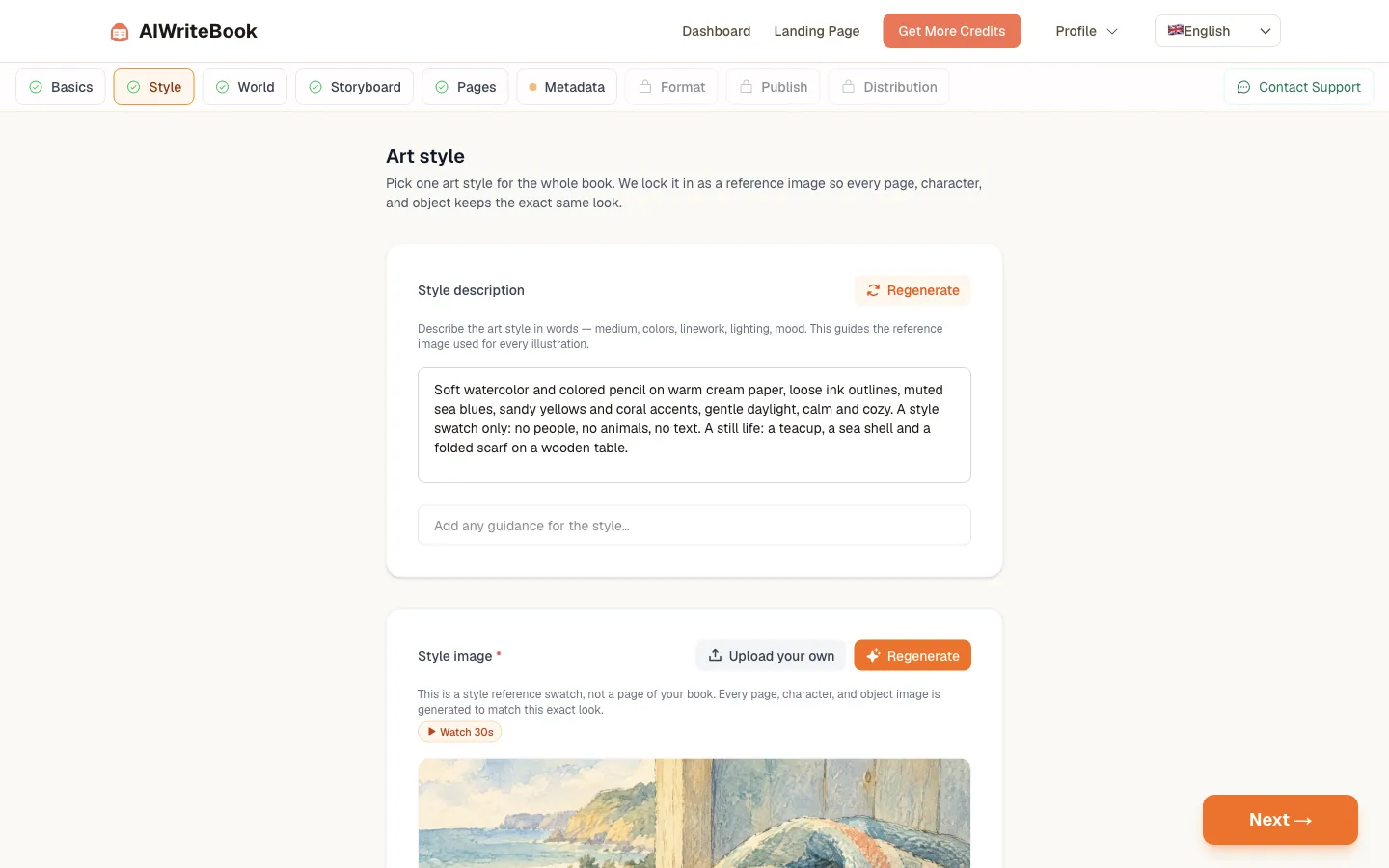
Art style
Describe the style and get the image every page will match.
03Step
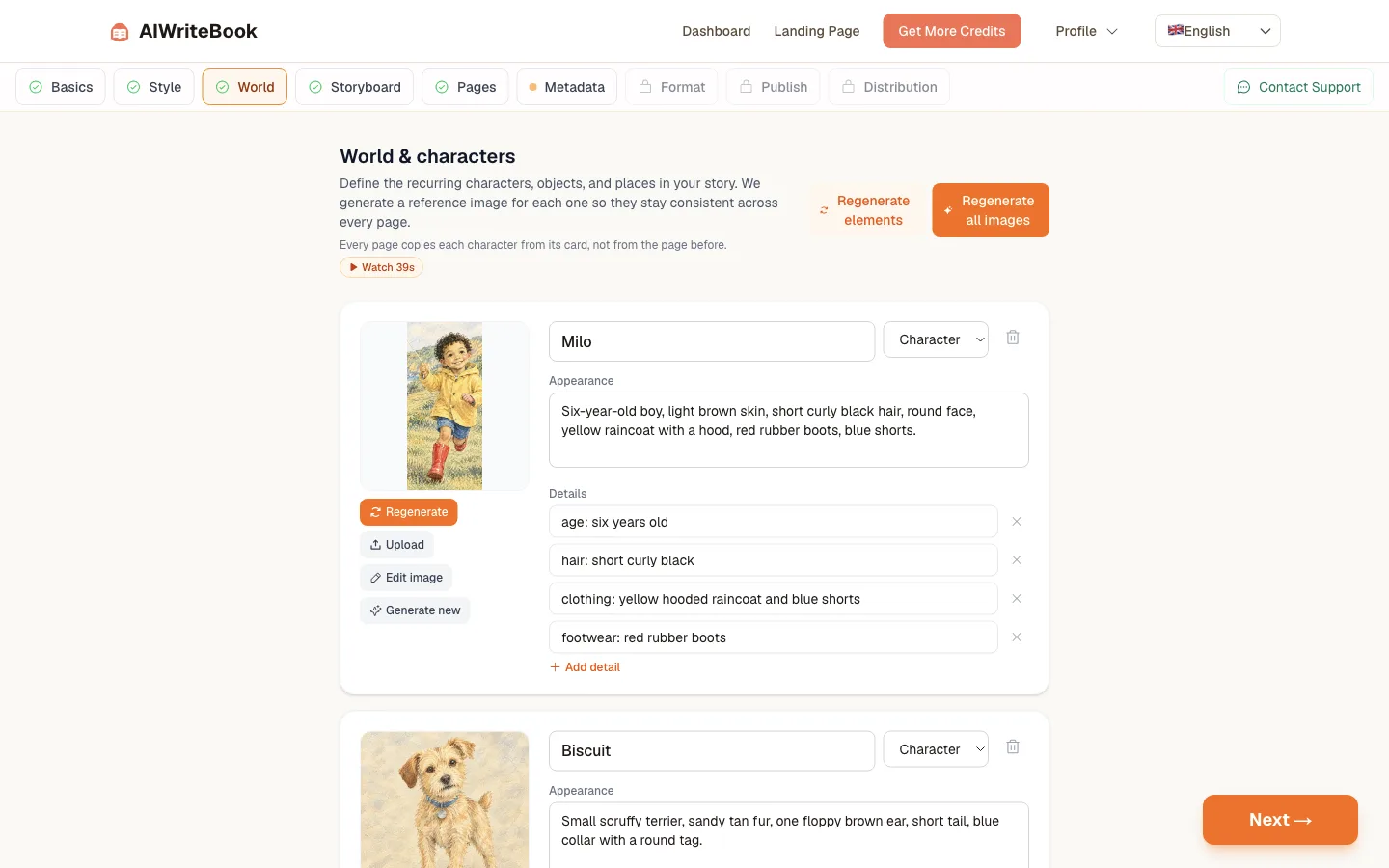
World and characters
A reference image for each character, object and place.
04Step
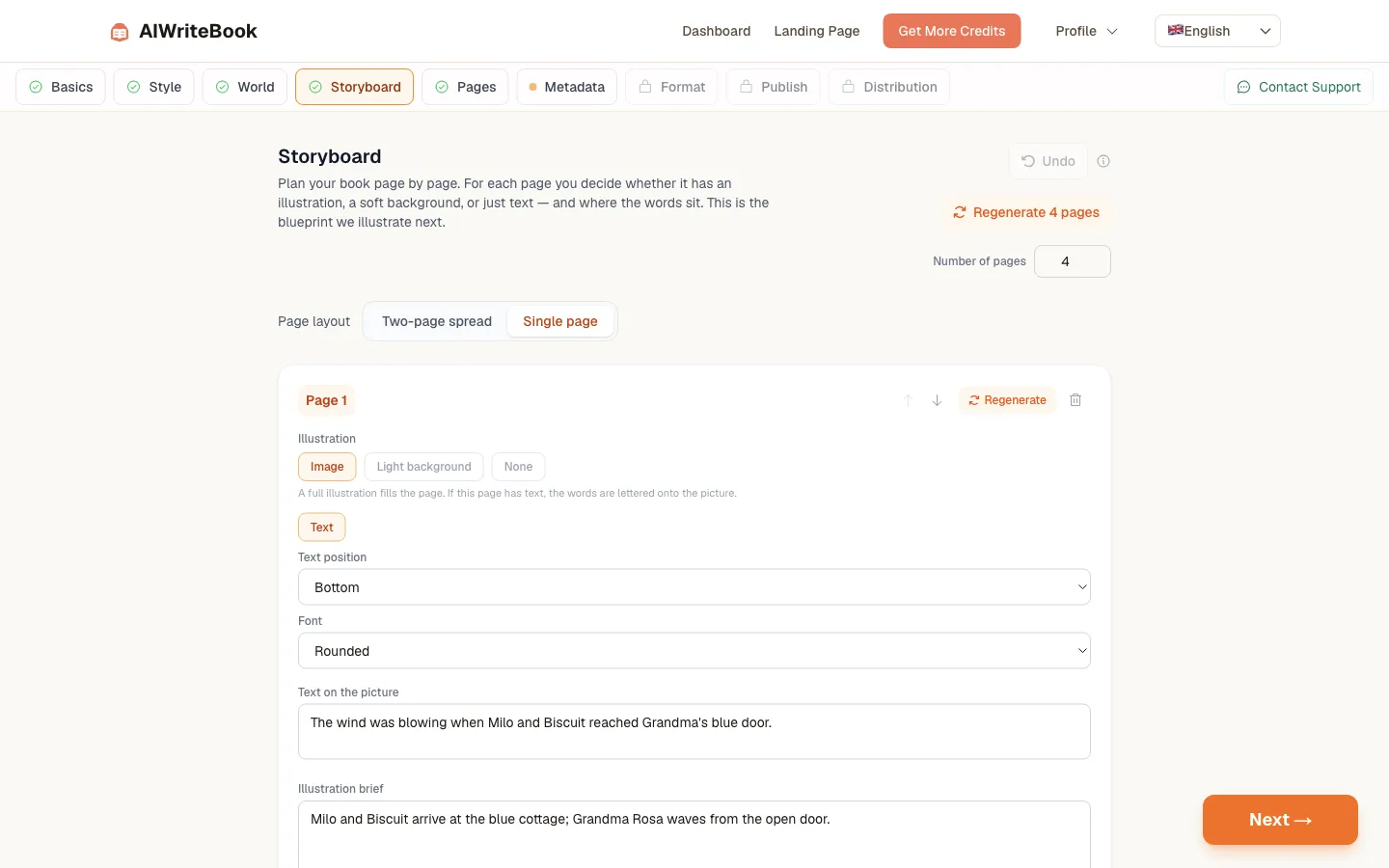
Storyboard
Text, illustration brief and text position for every page.
05Step
Illustrate the pages
Render each page or all at once, with your text lettered in.
Everything an illustrated book needs
Locked art style
One style image guides every page.
Character consistency
Each page copies characters from their reference cards.
Page-by-page storyboard
Full illustration, soft background or text only.
Text on the page
Choose where the words sit and the font.
Edit any image
Fix a detail with a sentence, or regenerate.
Print and EPUB
Export print-ready files at your trim size.
What it costs
Credits only when a step runs: 20 per illustrated page, 20 per character reference, 3 per storyboard page. Your first two illustrated pages are free. Available on Pro and Ultra, and AppSumo Tier 3 and Tier 4.
See the plansQuestions authors ask
What people want to know before making their first illustrated book.
The book has one locked style image, and every recurring character, object and setting has a card with a written appearance and a reference image. Each page is drawn from the cards of the elements ticked for that page, so the character is copied from its card every time instead of from the previous page.
Yes. Upload a picture to the character's card and it becomes the reference used on every page that character appears on. You can also have the appearance described from the image automatically, then edit the words.
Yes. Coloring books are drawn as clean black-and-white line art with crisp outlines, no shading and no grey fills, and the cover follows the same style.
Yes. Pick the manga and comics genre and a 7 × 10 trim. Pages and the cover follow the manga look, and the storyboard lets you plan each page.
Pro, Ultra and AppSumo lifetime Tier 3 and Tier 4. The first two illustrated pages of your first visual book are free on any account, so you can try it first.
An illustrated page render is 20 credits, the storyboard is 3 credits per page, the style image is 10 credits and each reference image is 20 credits. Edits are 15 credits.
Yes. The print PDF is sized to your trim with optional bleed, and the trim picker flags any size KDP cannot print with KDP-legal alternatives. The KDP Publishing Assistant extension can send the pages for you.
On illustrated pages the words are lettered onto the picture in the font you choose, inside a safe margin. You can also use text-only pages or a soft light background so long text stays easy to read.
Yes. Edit image adjusts the current picture from a short instruction. Generate new draws the whole page again from the characters you ticked, which is the better choice when a page should match the others.
Make the picture book you have in mind
Start with your story. See your first two pages illustrated for free.
- Same characters on every page
- Text placed for you
- Print-ready export