


What you'll learn
A cover sells a book in three seconds at thumbnail size. AI cover generation has crossed the quality threshold where indie authors can produce covers that genuinely compete with mid-tier professional design, often for under $20 and within an afternoon. But the gap between a generated AI image and a finished, publishable book cover is wider than most authors realize. This guide walks you through the actual production process: tool selection, prompt construction, typography integration, technical specs, and the quality bar your cover needs to clear.
When AI Cover Generation Makes Sense
AI covers shine in some scenarios and fall short in others. Pick the right tool for the job.
Best Use Cases
Series with consistent visual identity, genre fiction with established cover conventions, prolific authors releasing 4+ books a year, prelaunch concept testing, audiobook covers paired with eBook covers, and any title where the design budget is under $200 per book.
When to Hire a Designer
Literary fiction breaking from genre conventions, debut authors entering competitive sub-genres where craft is essential, complex illustrations with specific characters or scenes that AI struggles with, and covers requiring trademarked or licensed elements.
The Hybrid Approach Most Pros Use
Generate the central image with AI, then layer professional typography and finish in Photoshop or Affinity. This combines the speed and cost of AI with the polish of a hand-finished cover. For most authors, this is the optimal workflow.
The Best AI Cover Generation Tools in 2026
Different tools excel at different cover styles. Here are the ones professionals actually use.
Midjourney v6.1
— Best overall for fiction coversStrengths
Exceptional aesthetic quality, strong on atmospheric and stylized art, excellent at character composition. Industry standard for indie fiction covers.
Weaknesses
Discord-based interface is clunky for beginners. Cannot reliably generate text on covers.
Best for
Fantasy, romance, thriller, literary fiction covers where mood and aesthetic matter most.
Prompt Engineering for Book Covers
Your prompt is the single biggest determinant of cover quality. The same tool produces wildly different results depending on how you structure the request.
Effective cover prompts contain six elements: subject, composition, style, mood, lighting, and technical hints. Drop any one and the result becomes generic.
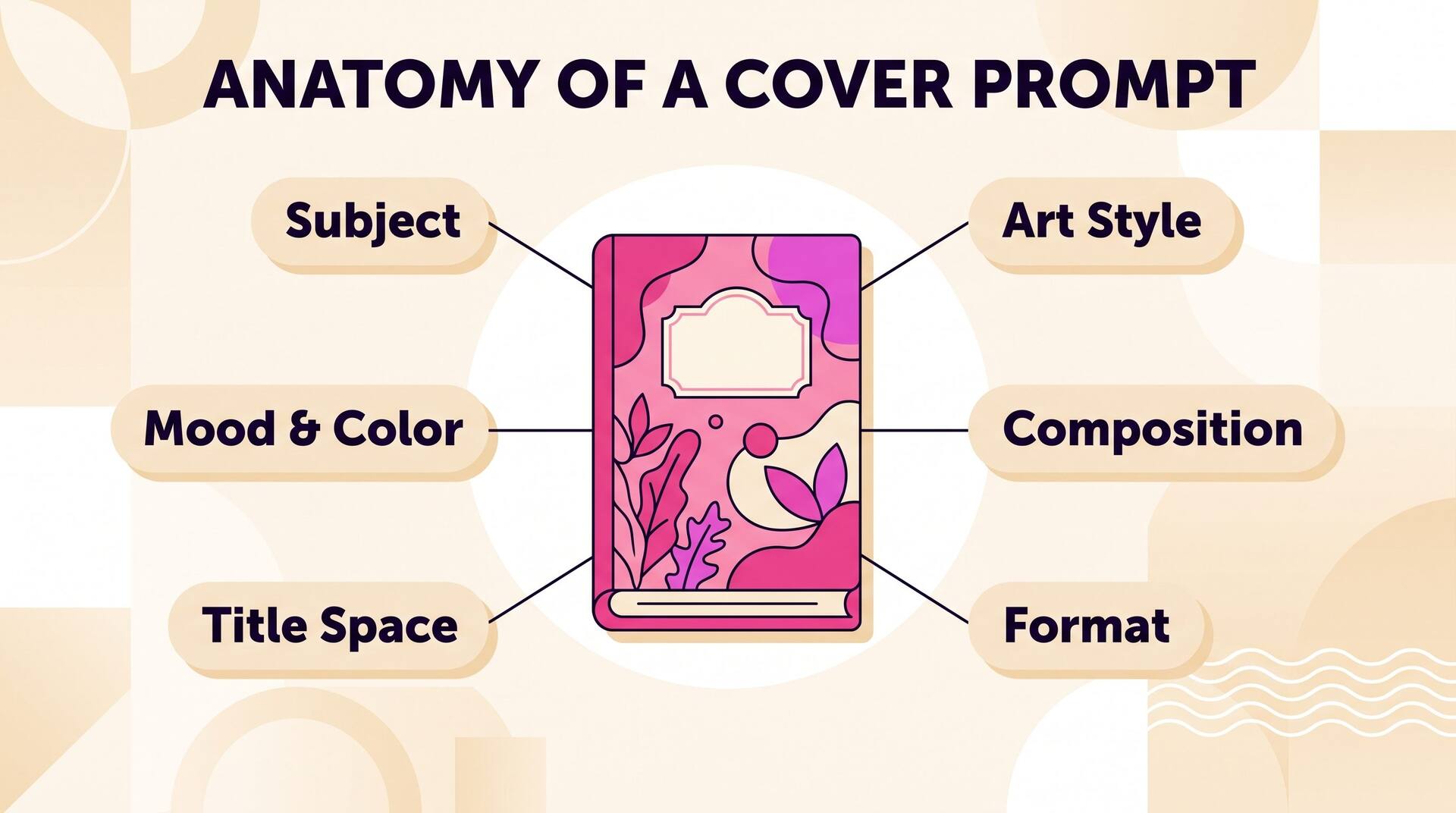
What the focal element of the cover is. Be specific. AI fills vague details with averages.
Generate, Iterate, Export — All in One Place
AIWriteBook handles prompt engineering, typography, and KDP technical specs automatically. Generate dozens of cover concepts, pick your favorite, and export ready for upload.
Adding Professional Typography
AI generates the image. You add the typography. This is where most amateur AI covers fall short and most professional ones win.
One Display Font, One Body Font, Maximum
Title in a strong display face. Author name and any taglines in a clean, neutral sans-serif or serif. Three different fonts on a cover almost always looks amateur.
Title Must Read at 200x300 Pixels
If your title is illegible in the Amazon thumbnail, the cover has failed regardless of how beautiful it looks at full size. Test by shrinking your design and viewing on a phone.
Match Genre Typography Conventions
Romance covers use scripts and serifs. Thrillers use bold condensed sans-serifs. Fantasy uses ornate display faces. Literary fiction uses understated serifs. Breaking genre conventions signals 'not for you' to scanning readers.
Title Hierarchy: Title > Series > Author
For most genres, title is largest, then series name, then author. Bestselling authors flip this so author dominates. Apply the rule that matches your current career stage.
KDP Technical Requirements
A beautiful cover that fails KDP technical specs gets rejected during upload. Here are the actual numbers you need.
Resolution
300 DPI minimum
KDP requires 300 DPI for print covers. eBook covers need 1600x2560 px minimum (ratio of 1.6:1).
Color Profile
CMYK for print, sRGB for eBook
Print covers must be CMYK. eBook covers stay in sRGB. Convert at the very end of your workflow to avoid color shifts.
Bleed
0.125 inches per side for print
Print covers need bleed. eBook covers do not. KDP's cover calculator gives exact dimensions based on page count and trim size.
File Format
JPG/TIFF for eBook, PDF for print
eBook accepts JPG or TIFF up to 50MB. Print requires print-ready PDF. PDF must be flattened and embed all fonts.
Spine Width
Calculated from page count
Spine width = page count × paper thickness factor. Use KDP's official spine calculator. Spine text needs 0.0625 inch margin from edges.
File Size
Under 50MB
JPG export at 90% quality typically sits between 5-15MB. If you exceed 50MB, you have a resolution or compression problem to fix.
Iteration: How Pros Refine Covers
First-generation AI covers are starting points, not finished products. Professional results require 5-15 iteration cycles.
Generate 10-20 Variants
Cheap iteration is the killer feature of AI generation. Generate broadly with slight prompt variations before committing. The cover you settle on is rarely from the first batch.
Pick 3 Finalists, Mock Up at Thumbnail Size
Crop and shrink to Amazon thumbnail size (200x300). Show three side by side. The one that still grabs attention at thumbnail size wins, even if it is not the prettiest at full resolution. If you want to judge a finalist as a physical object rather than a flat file, a book mockup generator renders it as a 3D book image you can use for side-by-side comparison or launch materials.
Run an Audience Test
Post finalists in writing communities, ARC reader groups, or genre-specific subreddits. Ask which feels most like the genre you write. Trust the consensus, not your favorite.
Refine the Winner
With the chosen image, do targeted refinement: fix hands, adjust composition, fix lighting issues. Use inpainting tools for surgical edits rather than regenerating the whole image.
Add Typography Last
Only after the underlying image is final do you layer typography. Typography on top of a cover that needs more work compounds the rework if you change the image later.
AI vs Designer Cost Comparison
Real numbers, including hidden costs and time.
Professional Cover Designer
Timeline: 2-4 weeks
Premium quality. Custom illustration. Limited revisions per the contract.
Pre-made Cover Template
Timeline: 1-3 days
Cover designs sold to multiple authors. Title and author name customized. Cheap but generic.
AI Cover (Hosted Tool)
Timeline: 1-2 days
Subscription-based AI image generation plus your time. Quality depends on prompting skill.
AI + Light Designer Polish
Timeline: 3-7 days
Generate base image with AI, hire designer for typography and final polish. Best quality-to-cost ratio for most indie authors.
Mistakes That Get Books Skipped
Wrong Genre Signaling
A romance cover with thriller typography sends mixed signals. Readers skim by. Match every visual cue to genre conventions, even if you find them boring. Convention is recognition.
AI-Generated Hands and Eyes
AI still struggles with anatomy. Six-fingered hands and uncanny eyes destroy professional polish instantly. Always inspect at 100% zoom. Use inpainting to fix or crop these out of the final cover.
Trying to Be Too Original
Standing out from convention is not the goal. Standing out within the convention is. The cover should look like it belongs in your genre's bestseller list, not on a separate planet.
Skipping the Thumbnail Test
Most readers see your cover at 1/4 final size on a phone. Beautiful detail at full size means nothing if the cover muddles to gray at thumbnail. Test small first, polish big later.
Ignoring Disclosure Requirements
Amazon KDP requires disclosure of AI-generated images. Other platforms have evolving requirements. Disclose accurately during upload. Hidden AI use risks delisting more often than the disclosure itself ever costs sales.
Where AI Cover Generation Is Going
Series Consistency Models
Within a year, you will train a small model on your first cover and generate the entire series with consistent character likenesses, art style, and color treatment automatically.
Live A/B Testing on Amazon
Tools that rotate cover variants on your live listing and measure which converts best. Indie authors will iterate on covers post-launch the way SaaS companies iterate on landing pages.
End-to-End Cover-to-KDP
Single-click generation from book metadata to KDP-ready file with bleed, spine, back cover, and barcode placement automated. Already in beta in several tools.
The Bottom Line on AI Book Covers
AI cover generation is genuinely good in 2026. With careful prompting, thoughtful typography, and proper technical preparation, the result is a cover that sells books at a fraction of professional designer cost.
The authors who win with AI covers treat them with the same craft a designer would: study genre conventions, iterate ruthlessly, test at thumbnail size, and never ship a cover that has not been refined. The tool is powerful, but the taste is still yours to bring.