

What it actually does
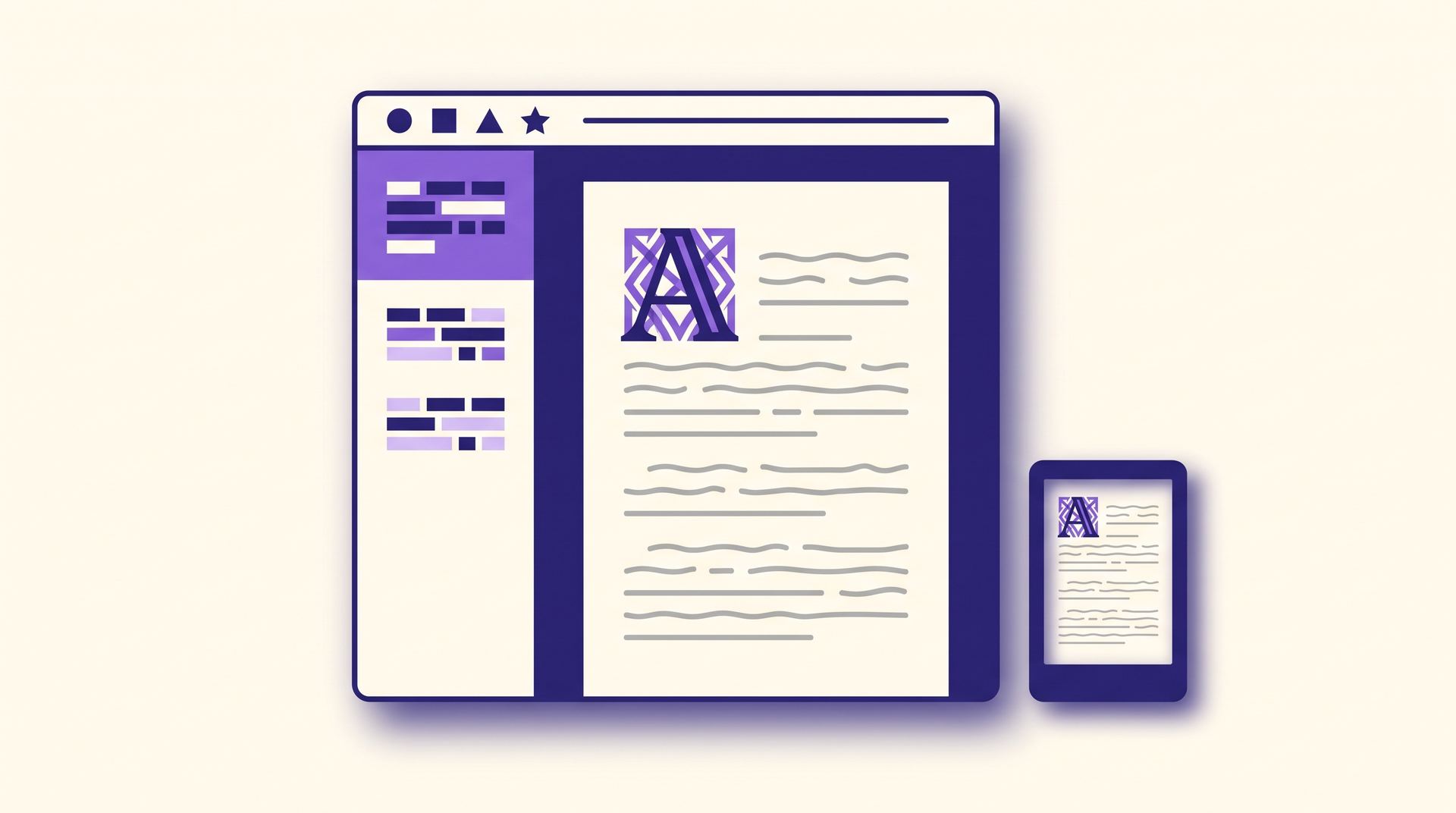
Kindle Create is a formatting tool, not a writing tool or an editor. It assumes the words are finished and its whole job is presentation: it reads your document, guesses where the chapters begin, and lets you apply one of Amazon's themes so headings, first paragraphs, drop caps and scene breaks look consistent from the first page to the last.
Along the way it does the two fiddly jobs most authors get wrong by hand. It builds a linked table of contents from the chapter titles it detected, and it gives you front-matter pages — title page, copyright page, dedication — in the right order with the right styling. The copyright page in particular is one people improvise badly; if you want the wording itself rather than just the layout, our free copyright page generator writes it for you.
The preview pane is the underrated part. It renders your book as it will look on a phone, a tablet and an e-ink Kindle, at different font sizes, which is where you catch the images that blow out on a small screen and the chapter heading that lands alone at the bottom of a page.
How it fits into a KDP upload
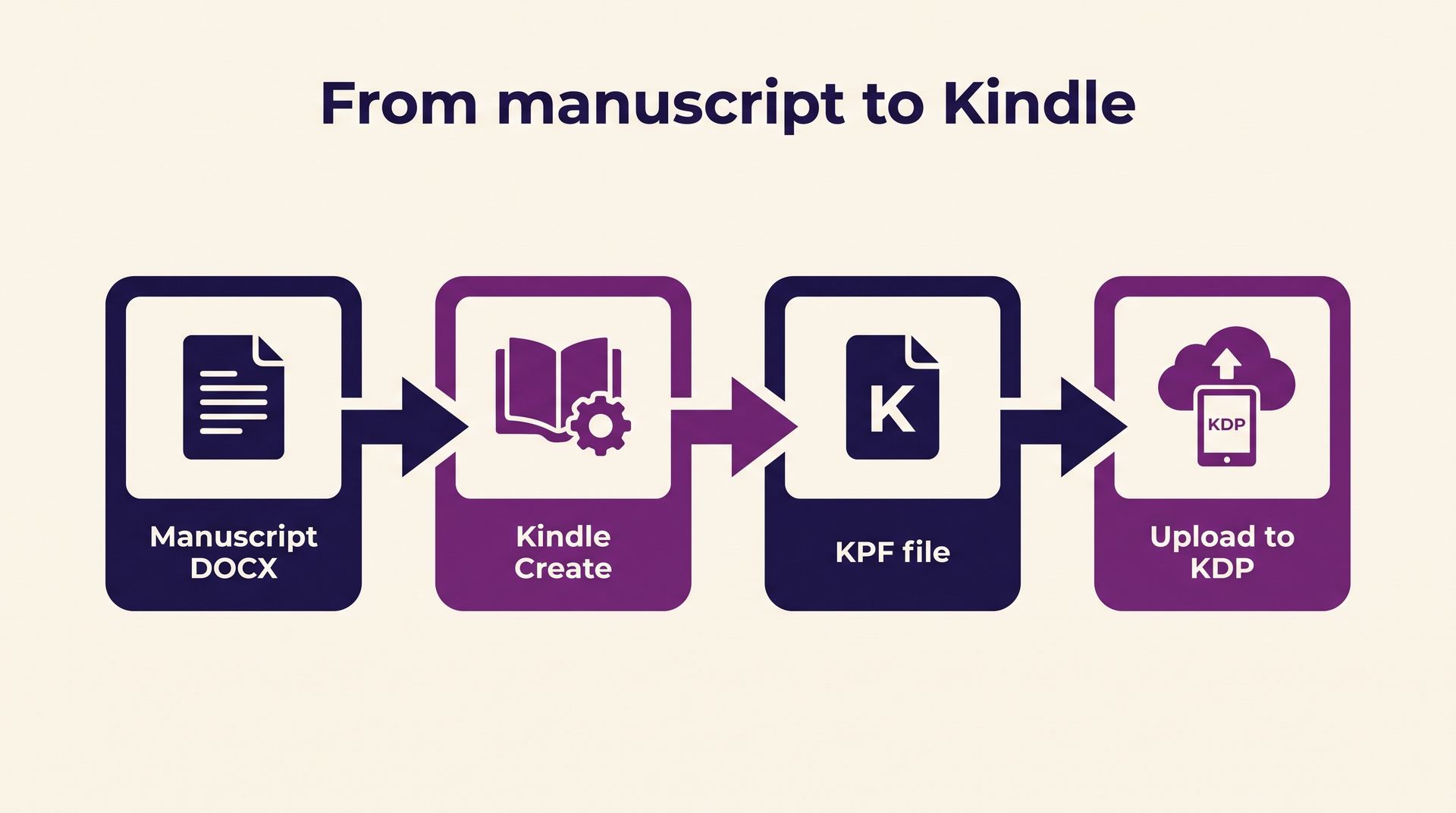
The whole path is four moves, and only the third one is unusual:
- 1
Finish and proofread the manuscript in Word or Google Docs and export it as a DOCX. Kindle Create will not fix typos, and re-importing after every edit is painful, so leave this step until the text is genuinely done.
- 2
Import the DOCX into Kindle Create, confirm or correct the chapters it detected, pick a theme, and add your front matter.
- 3
Export. You get a KPF file — Kindle Package Format, Amazon's own container. This is the step that surprises people: the output is not an EPUB and nothing outside KDP will open it.
- 4
Upload the KPF on the KDP manuscript step, check the online previewer once more, and publish.
What it will not do
It will not give you an EPUB
KPF only goes to KDP. If you also sell on Apple Books, Kobo or through a library aggregator, you need a separate EPUB made somewhere else — and keeping two formatting pipelines in sync for the same book is the usual reason authors abandon Kindle Create.
It is not required
KDP accepts a plain DOCX and an EPUB directly. Kindle Create is a convenience, and for a straightforward novel with no images a clean, properly styled Word file uploads and converts perfectly well.
It is not a design tool
You work inside Amazon's themes. There is no arbitrary typography, no custom CSS and no page-level layout control, which is the right trade for most prose books and the wrong one for anything visual.
It cannot be edited anywhere else
The project file lives on your machine and only Kindle Create opens it. Keep the original DOCX as your master copy, because it is the only version any other tool can read.
Common confusion
Kindle Create is regularly mixed up with three other things. It is not Kindle Previewer, which only opens finished files to check them and cannot format anything. It is not Kindle Direct Publishing itself — Kindle Create runs on your desktop, KDP is the website where you upload. And it is not a converter you point at an old file to modernise it; it works forwards from a manuscript, not backwards from a published book.
The other recurring mix-up is with file formats. A KPF is not a MOBI, and MOBI has not been the delivery format for Kindle books for years — see MOBI format if you inherited one. The format the rest of the industry standardised on is EPUB, which is what you want in hand before you decide whether the Kindle Create detour is worth taking at all. Our walkthrough of formatting a book for KDP compares the routes end to end.
Related terms
The rest of the vocabulary you meet on the KDP upload screens:
Frequently asked questions
What authors ask before downloading it.
Yes. Amazon gives it away for Windows and Mac, with no account tier or in-app purchase attached. The cost is the workflow, not the licence.
No. KDP accepts EPUB and DOCX uploads directly, and plenty of successful books never touch the app. Use it when you want Amazon's chapter styling and a linked table of contents without doing that work yourself.
Kindle Package Format — the file Kindle Create exports and KDP expects. It is Amazon-only: no other retailer accepts it, and no general-purpose e-reader software opens it.
Not reliably, and you should not plan on it. Treat the KPF as an end product and keep your DOCX or EPUB as the source you re-export from whenever you need another format.
Kindle Create earns its place when you want tidy Kindle styling and nothing more complicated than that. If you are publishing wider than Amazon, start from a clean EPUB instead and keep reading the Amazon KDP guide.