


Most authors create an Amazon Author Central account, paste two sentences into the bio, upload a holiday selfie, and never log in again. That is a missed opportunity. Amazon Author Central profile optimization is one of the few levers you control for free, on the highest-intent traffic you will ever get — a reader already on Amazon, already looking at your book. This guide separates the dashboard from the public page, walks the setup, and flags the features Amazon quietly retired so you do not waste an afternoon hunting for them.
First, the thing everyone gets confused about
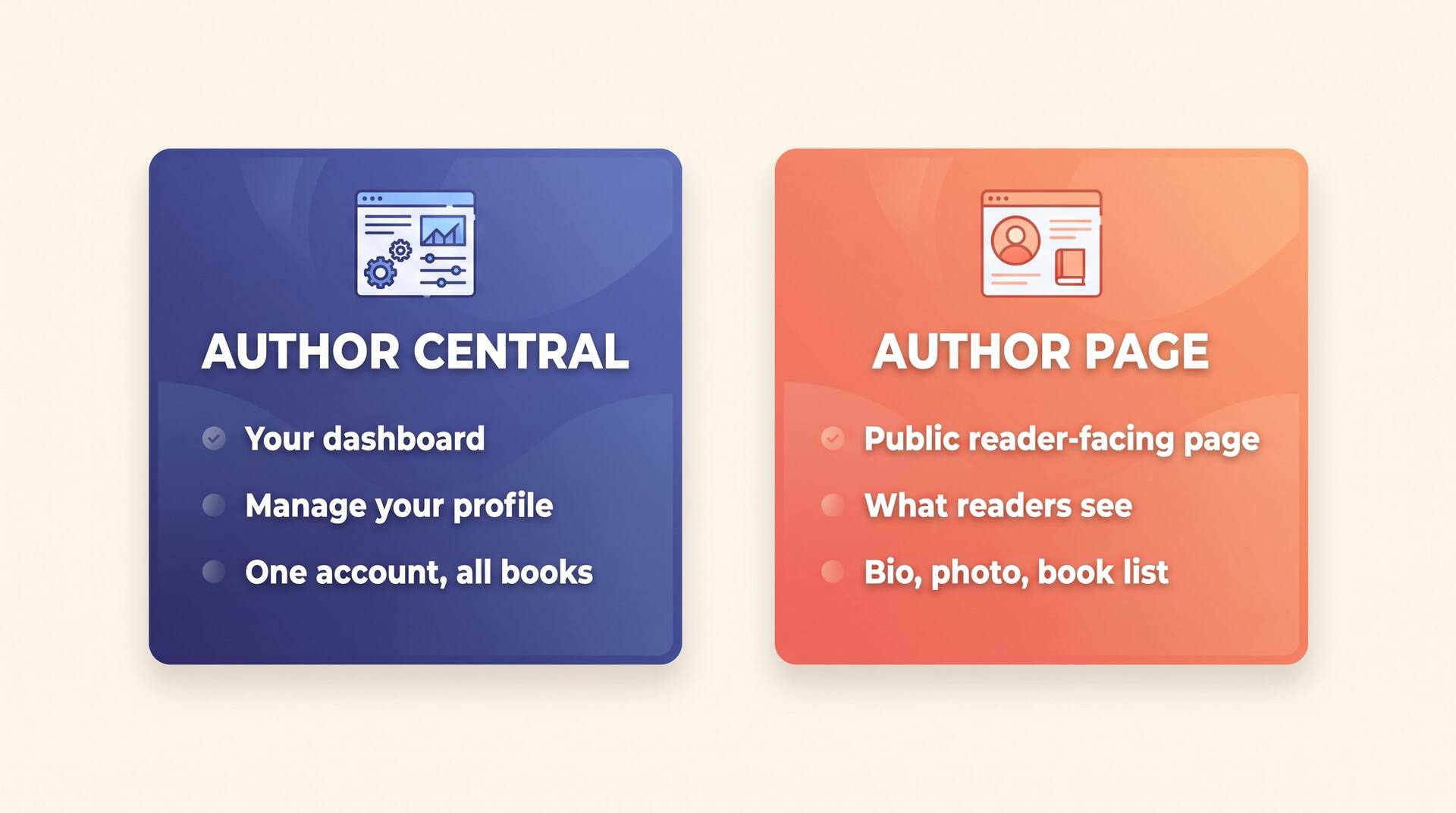
Author Central — Author Central is the dashboard. It lives at author.amazon.com. It is private, you log in to it, and it is where you edit everything. Readers never see Author Central itself.
Author Page — Your Author Page is the public profile readers land on — your photo, bio, book list, and the Follow button. Author Central is the control panel; the Author Page is what it publishes.
So “Author Central vs the author page” is not a choice. One is the cockpit, the other is the plane. You optimize in Author Central; readers judge you on the Author Page.
What this guide covers
What Author Central actually does
Before you touch a single field, it helps to see the two halves side by side. Same data, two very different jobs.
| Dimension | Author Central (dashboard) | Author Page (public) |
|---|---|---|
| Who sees it | Only you, after logging in | Any reader, no login needed |
| Main job | Edit profile, claim books, monitor reviews | Convince a browsing reader you're worth following |
| URL | author.amazon.com | amazon.com/author/your-name (and per-book “Follow” buttons) |
| How often to touch it | When you launch, rebrand, or add a title | Always current — it's live the second you save |
| What it can't do | Change price, royalties, or manuscript (that's KDP) | Be edited by readers — everything flows from the dashboard |
Creating the account & claiming books
Setup is short, but two steps trip people up: which email to use, and how to attach books that already exist on Amazon.
Sign up at author.amazon.com
Use the same Amazon account email you publish with on KDP where you can. It is not strictly required — Author Central and KDP are separate systems — but keeping them aligned saves confusion when you have multiple pen names.
Claim your books by search
Author Central does not automatically know which books are yours. Search by title or ISBN/ASIN and add each one. Claiming a book is what links it to your Author Page and turns on the Follow button for that title.
Handle pen names deliberately
Each pen name gets its own Author Page. If you write romance as one name and thrillers as another, claim each book under the correct identity so readers who follow the romance brand are not surprised by a thriller release email.
Wait for the sync
New edits and newly-claimed titles can take a few hours to a couple of days to appear publicly. If a change has not shown up, that is normal — check back before re-submitting and creating duplicates.
Writing a bio that converts
The bio is the one field with real leverage. A reader who clicked your name is curious; the bio decides whether they hit Follow or bounce. Treat the first two lines like a book blurb, because on mobile that is all most readers see before “Read more.”
John Smith is an author who has written several books. He lives in the United States and enjoys writing in his spare time. He hopes you enjoy reading his books as much as he enjoyed writing them.
John Smith writes locked-room mysteries where the detective turns out to be the least likely suspect — including, in his latest, the reader. A former courtroom stenographer, he spent eleven years transcribing real trials before turning the strangest cases he heard into fiction. His Detective Mara Quinn series follows a small-town coroner with a habit of solving the murders she's supposed to file. New book every spring — hit Follow and Amazon will email you when it lands.
Bio strength check
Keep the visible hook to roughly 150–300 words. Amazon truncates long bios behind a “Read more” link, so every word past the fold is doing far less work than the first two lines.
Photos and video
You are selling trust as much as a book. A clear face does more for that than a clever graphic.
Primary author photo
A well-lit headshot where your face fills most of the frame beats a distant or stylized shot. This image follows you across every book detail page, so make it recognizable at thumbnail size.
Additional images
You can add more photos — a shot of your writing space, a book signing, your pet co-author. They build personality without cluttering the main impression. Skip stock imagery; it reads as inauthentic.
Author video
Where the option is available in your marketplace, a 30–60 second introduction — why you write what you write — outperforms text for readers on the fence. Phone-shot and honest beats polished and stiff.
Use the same headshot here, on your newsletter, and on social. Repetition is how a stranger starts to recognize you as “that author.”
The blog feed myth & the Follow button
If a checklist tells you to “connect your blog RSS feed to Author Central,” it is out of date.
The blog/RSS feed is gone
Amazon retired the feature that piped a blog's RSS feed onto your Author Page. Do not spend an afternoon looking for it — it no longer exists. The energy people used to put into that now belongs on the Follow button, which Amazon has leaned into instead.
It's a free email channel you don't own but Amazon runs for you
When a reader clicks Follow, Amazon emails them on your next release — to an inbox already tied to a credit card and a one-click buy. No deliverability headaches, no list to maintain.
It compounds across your backlist
Every claimed book shows the Follow button. A reader who finishes book three can follow you there, and that follow covers everything you publish next, not just that title.
Ask for it everywhere else
The button is passive — most readers never notice it. Mention “follow me on Amazon” in your back matter, newsletter, and bio so the click actually happens.
Put a one-line Follow ask in the last page of every book using a dedicated back-matter page. It is the cheapest recurring marketing you will ever set up.
Multi-country profiles
Your book sells in marketplaces beyond your home store, and each one renders an Author Page. Amazon has consolidated much of the dashboard, but a profile built only in English still leaves money on the table abroad. Pick a marketplace to see what to do:
US
amazon.com
Your default and usually your biggest store. Get this one perfect first; the rest can inherit a lot of it.
Don't translate with a single tool and forget it — a bio is short and high-visibility, so it is exactly the kind of text worth a human read before it goes live in another language.
Analytics: what's left worth checking
Author Central used to be a mini analytics suite. Amazon has stripped most of that out, so be realistic about what it still tells you.
Customer reviews, in one place
You can still see reviews across your titles from the dashboard. Useful for spotting a sudden run of one-star reviews or a recurring complaint worth addressing in your next edition.
Profile and book linkage
Author Central confirms which books are attached to your page — the quickest way to catch a new release that never got claimed and is sitting orphaned without a Follow button.
A live preview of the public page
Treat it as a proof. Open your public Author Page in a private window after every edit to see exactly what a reader sees, truncation and all.
What's gone — don't go looking
The old Nielsen BookScan sales numbers, Author Rank, and the per-book sales graphs have been removed. For real sales and royalty data, KDP Reports is now the only source of truth — Author Central is for your profile, not your numbers.
A great profile needs a book worth following for
Author Central optimization pays off once you have titles people finish and a series readers want more of. AIWriteBook helps you draft, structure, and polish that book — then you can claim it and turn on the Follow button.
Set it up once, then let it work
Author Central rewards a single focused afternoon: claim every book, write a front-loaded bio, add a real headshot, ignore the dead blog-feed field, and point readers at the Follow button. None of it is hard, and almost no one does all of it — which is exactly why doing it sets you apart.
Treat your profile as part of a larger publishing system. Pair it with smart metadata and a deliberate launch, and the high-intent readers who find your book have a reason to come back for the next one.
See the full Amazon KDP guide for everything around publishing and selling on Amazon.