

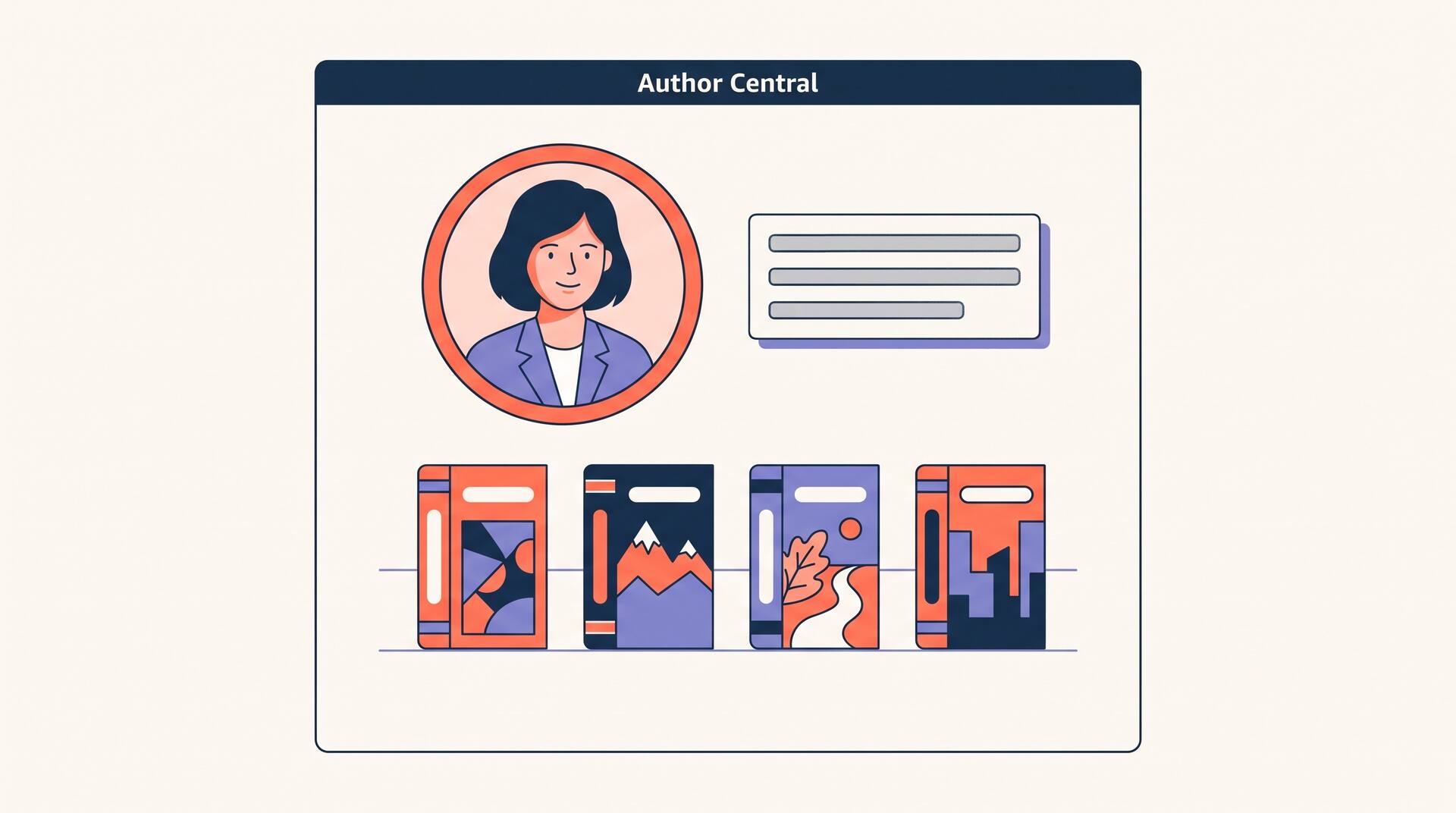
Amazon shows your author name as a tappable link on every one of your books. But until you claim your titles in Author Central, that link leads nowhere useful — no photo, no bio, no list of everything else you have written. A reader who liked your book taps your name to find more, and hits a dead end. Amazon Author Central is where you fix that, and it is the first thing to do the week you publish your first book on KDP. This guide walks the entire setup, from creating the account to claiming every title, writing a bio that earns clicks, and untangling the pen-name and marketplace details most guides skip.
Your setup checklist
Six tasks stand between a blank name and a working author page. Tick them off as you go.
None of this costs anything, and you can do it all in one sitting.
What Author Central actually is
Author Central is Amazon's free, self-serve dashboard for authors, and it lives at author.amazon.com. It is where you control your public Author Page — the profile a reader reaches when they tap your name on any book's product page. It is not KDP: KDP is where you upload, price, and distribute books; Author Central is where you shape the author behind them. It is also not the same as the Author Page itself — the dashboard is the cockpit, the page is what readers see. If untangling those two is really what brought you here, we broke down Author Central versus the Author Page field by field; this guide assumes you simply want it set up correctly.
Step 1: Create your account
There is no application, no review queue, and no fee. If you have ever bought anything on Amazon, you already hold the only login you need.
Go to author.amazon.com
This is the current home of Author Central. If you remember the old authorcentral.amazon.com, Amazon retired it and moved everyone here — bookmark the new address, because you will return each time you release a title.
Sign in with your existing Amazon account
Author Central uses the same credentials as your normal Amazon shopping account and your KDP account. There is no separate password to invent, though a password manager can help keep your login secure. Use the account whose name matches how you publish, so your books and your profile line up from the start.
Accept the terms — that's the whole signup
The first time in, Amazon asks you to confirm a couple of details and agree to the Author Central terms. That is it. There is nothing to upload yet and nothing to pay, now or ever.
Step 2: Claim your books
Creating the account does not automatically pull in your catalog. You tell Amazon which books are yours by searching for them — this is the step that actually connects your name to everything you have written.
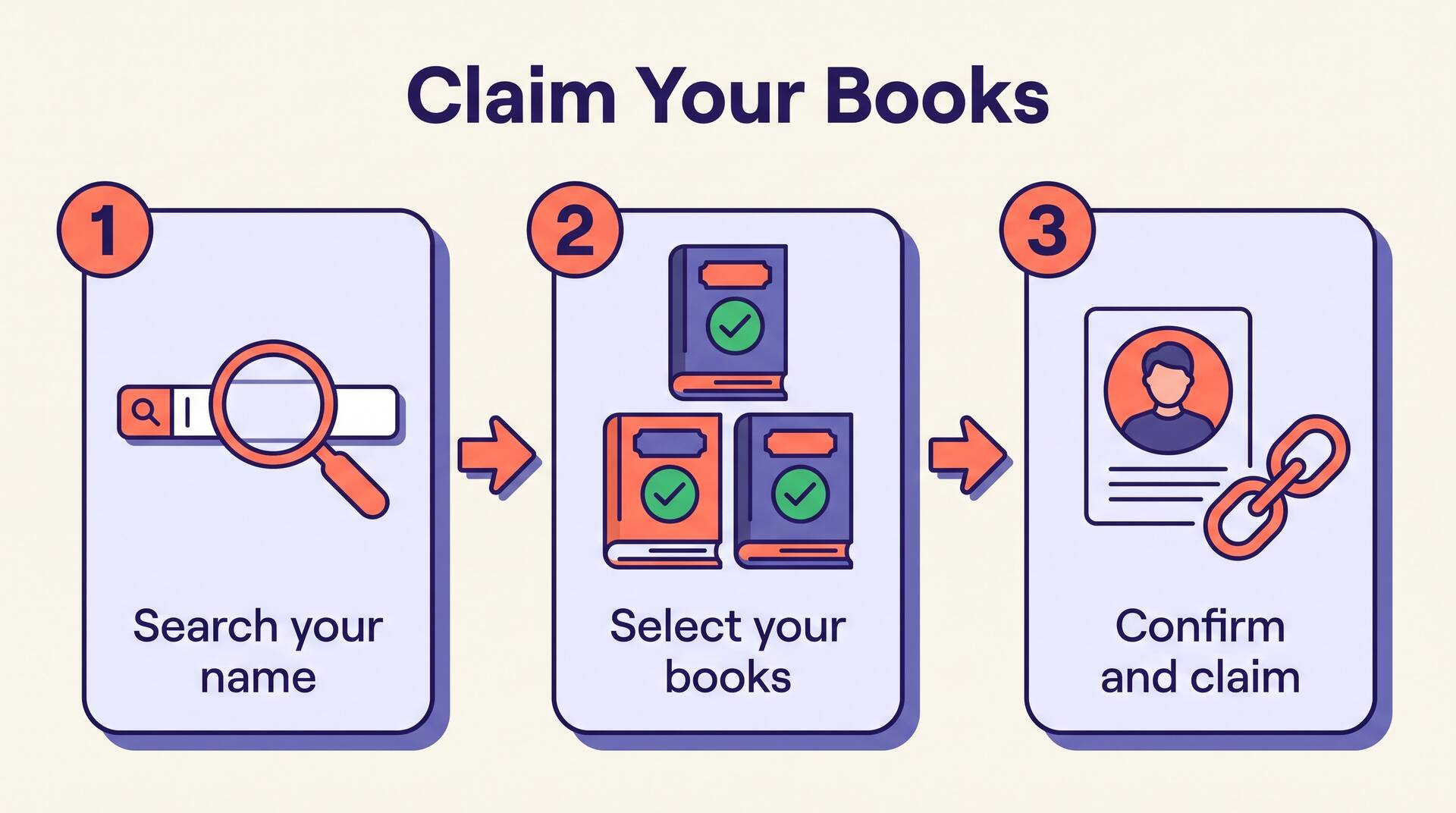
Search by your name or a title
In the Books section, search your published author name or a specific book title. Amazon returns matching titles from the store for you to identify.
Select every edition that is yours
Add each format you wrote — paperback, hardcover, and Kindle are often listed as separate entries, so claim all of them. Don't forget box sets, large-print editions, and translations of your own work.
Confirm and let Amazon verify
Amazon may take a few days to verify and attach a newly published title. Once approved, the book appears on your public Author Page and your name finally becomes a working link to your whole shelf.
Publishing under a pen name? Claim that pen name's books and Amazon creates a separate Author Page for it, managed from this same login. You never need a second account, no matter how many names you write under.
Step 3: Write a bio readers actually finish
Your bio is the one block of free sales copy Amazon lets you write about yourself, and it sits directly beneath your books. Most authors squander it on a résumé. Treat it like a back-cover blurb for you.
Open with what you write, not where you were born — readers are scanning for the genre or topic they arrived for.
Write in the third person. It is the convention Amazon expects, and it reads as more established than a first-person note.
Name one concrete hook — a bestselling series, the profession behind your non-fiction, a real award — instead of stacking vague adjectives.
Close with a reason to follow you or a link to your newsletter, so a curious reader has an obvious next step.
Staring at a blank box? Our free author bio generator turns a few facts about you into a clean third-person draft you can paste in and polish.
For a section-by-section breakdown of every Author Central field and which ones genuinely nudge sales, our Author Central versus Author Page guide digs deeper than we will here.
Step 4: Photos, video — and the blog feed that no longer exists
A face makes an author page feel real. Two visual fields are worth your time; one famous old feature is worth knowing is simply gone.
Add a clear profile photo
Use a well-lit headshot on a plain background. It appears beside your bio and travels with your name across Amazon. A blank silhouette quietly signals an abandoned author who stopped caring. If you have no professional shots and a photographer is not in this month's budget, you can generate images with Nano Banana 2 for a profile picture or for the promotional visuals that go around it.
Add a short video if you have one
Author Central lets you add video — a 30-second introduction, a book trailer, or a short reading. It is optional, and almost nobody bothers, which is exactly why it makes a page stand out. If a good share of your readers buy from the non-English marketplaces, you can translate video into their language so the same trailer works on your German, French, or Japanese author page too.
Don't hunt for the blog feed
Author Central once let you pipe an RSS blog feed onto your page so your latest posts appeared automatically. Amazon retired that feature years ago, along with the old Nielsen BookScan sales charts. If a tutorial tells you to connect your blog, it is out of date — the option is gone, and its absence is nothing you did wrong.
Step 5: Set up every marketplace, not just .com
Here is the quiet trap that costs authors the most reach: an Author Page you build on amazon.com does not exist anywhere else. Every Amazon marketplace keeps its own separate Author Page, and each one starts completely blank.
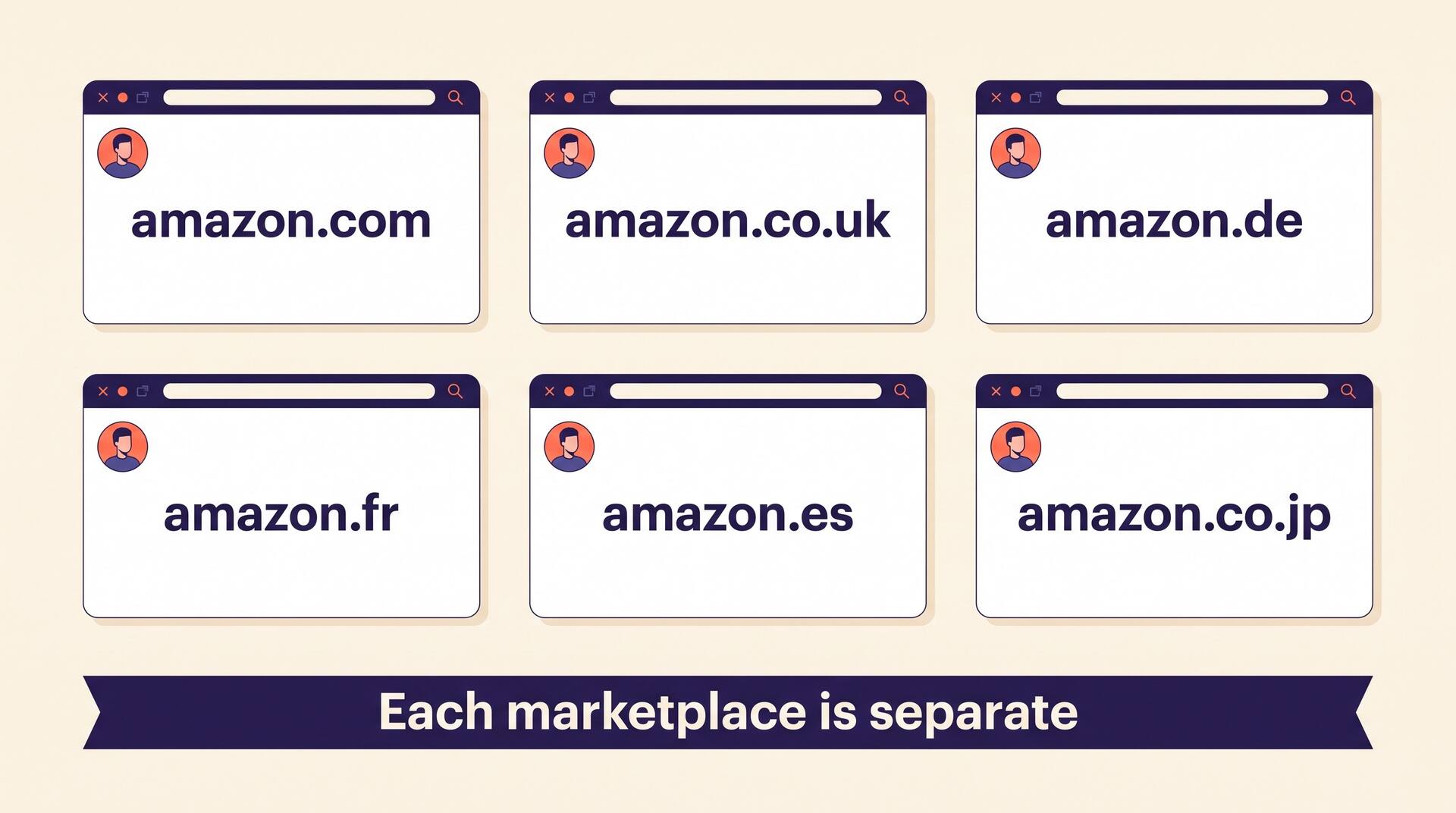
If your book sells in the UK, Germany, France, Spain, Italy, Japan, or India, a reader there taps your name and lands on an empty profile unless you have set that marketplace up too. Author Central lets you switch between marketplaces from the same login, but your bio and photo do not copy across automatically — you add them to each store where you actually have sales. At the very least, mirror your .com setup onto the UK page: it is the second-largest English-language market and takes about five minutes.
Step 6: Turn on the Follow button and the finishing touches
One button on your Author Page does more for repeat sales than any amount of bio polishing: Follow.
When a reader taps Follow, Amazon emails them the next time you release a book — a free, permission-based launch list you never have to manage yourself. You can watch your follower count grow inside Author Central. It compounds: every title that earns genuine reader reviews sends more people to your page, more of them follow, and each new release opens to a warm audience. It also pairs naturally with the paid Amazon Ads that push cold traffic to your books — the ads bring the reader in, and the author page turns a one-time buyer into a follower.
An author page is only as good as the books on it
Author Central rewards writers with a shelf, not a single title — more books mean more surface area, more followers, and more reasons to be trusted. AIWriteBook helps you get there: outline and draft a book, refine it chapter by chapter in an editor with accept-or-reject AI suggestions, continue a series from book one, and export KDP-ready files. Claim the result in Author Central and your page grows with every release.
Common issues, and how to fix them
Most Author Central headaches come from indexing delays and duplicate names, not from anything you broke. These are the ones authors hit most.
The whole setup, in one sitting
Author Central is the rare piece of book marketing that is free, fast, and entirely in your control. An afternoon of setup — account created, books claimed, a real bio, a clear photo, and every marketplace where you sell — gives every reader who taps your name a reason to stay and a Follow button to remember you by. Do it the week you publish, then update it the week you release anything new.