

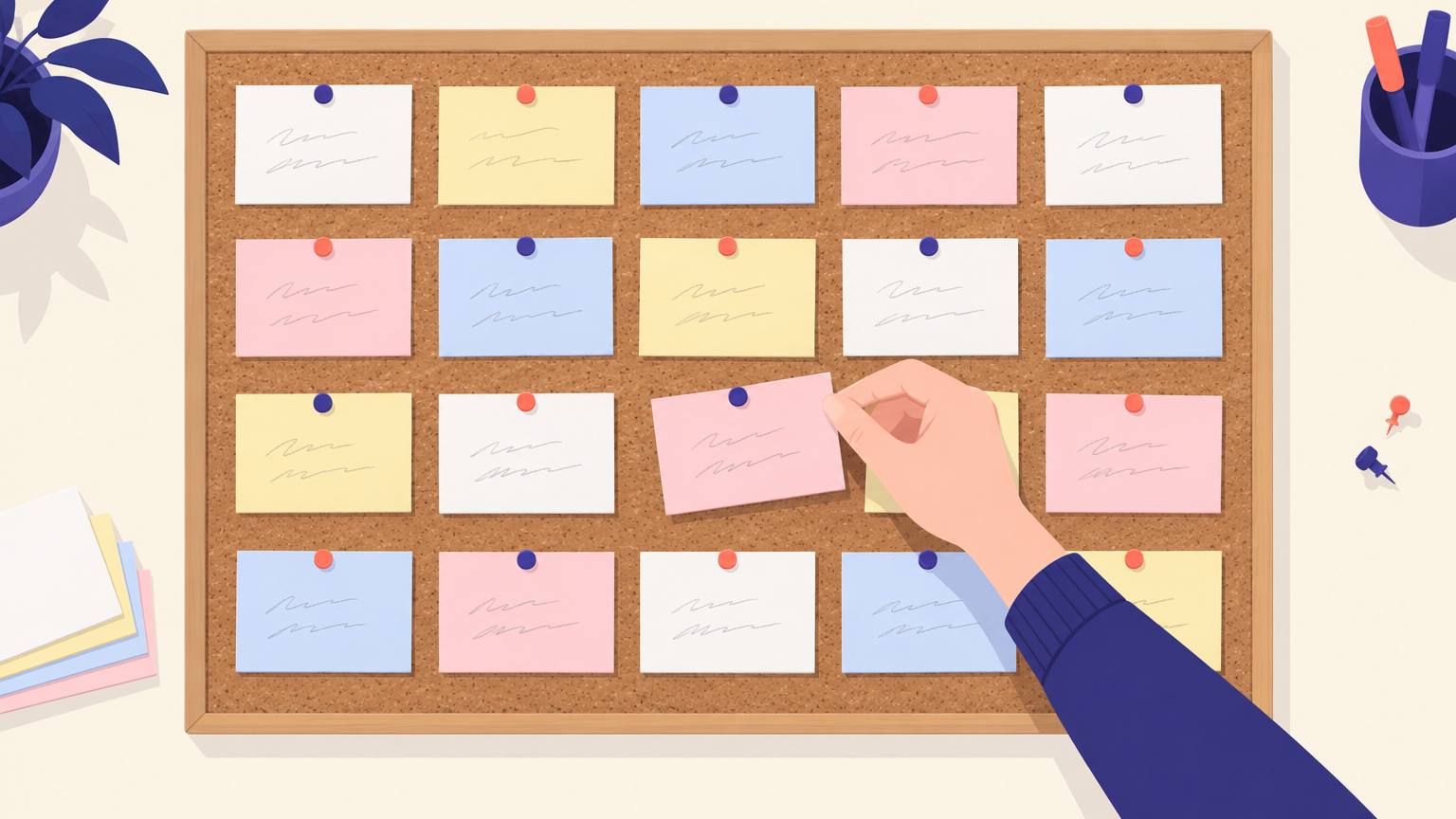
Why cards beat a document
An outline in a document reads top to bottom, so you judge it the way a reader would: one scene at a time. Cards let you judge it the way an editor would, all at once. Three things become easy that are hard in a file.
Reordering
Moving a scene is picking up a card. You try the new order before you rewrite a word.
Seeing gaps
A long run of one color, or a row with five cards where the others have ten, shows up from across the room.
Cutting
Pulling a card off the board feels small, so you do it. Deleting three pages from a file rarely feels that way.
What goes on a card
A card that only says "fight in the market" will mean nothing to you in three weeks. Five short zones keep every card useful without turning it into a page.
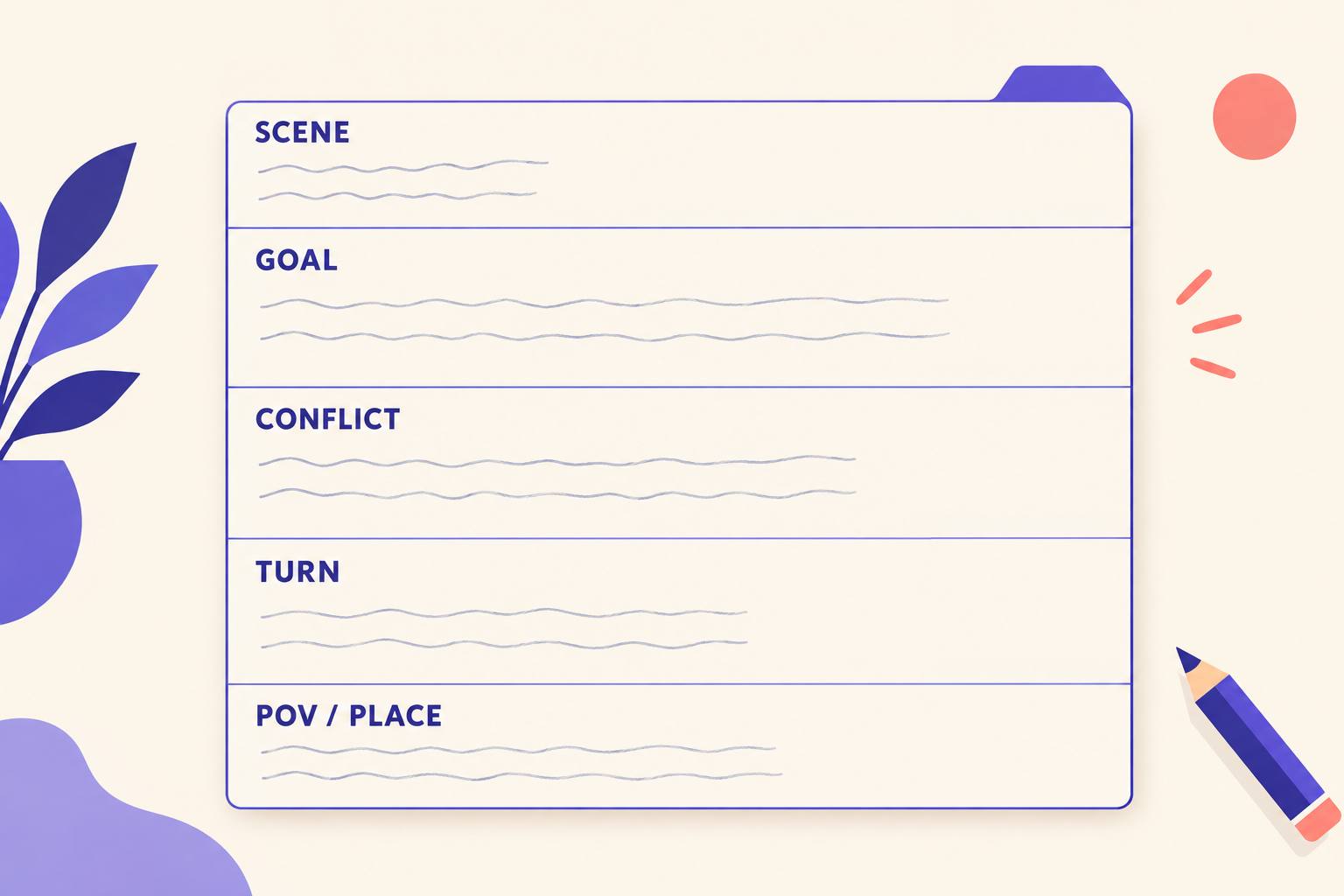
- Scene: a headline you could say out loud, such as "Ana steals the ledger".
- Goal: what the point-of-view character wants in this scene.
- Conflict: what stops them.
- Turn: how the situation is different at the end. If nothing changed, the card is a candidate for cutting.
- POV and place: in a corner, so you can scan for imbalance.
A simple color code
Color is what lets you read the board at a glance. Pick one thing to track and stick to it; four colors are usually enough.
| Card color | Tracks | What it shows you |
|---|---|---|
| White | Main plot | The spine. If whole rows lack white, the main story has stalled. |
| Blue | Romance or relationship subplot | Whether the second storyline gets steady attention or vanishes for 80 pages. |
| Yellow | Second point-of-view character | POV balance across the book. |
| Pink | Clues, setups and payoffs | That every setup has a later payoff card, and the reverse. |
Out of colored cards? Use white cards and a colored marker stripe across the top edge. It reads just as well on a board.
The 40-card board
The best-known layout comes from Blake Snyder's Save the Cat: four rows on a corkboard, about ten cards per row. Row one is act one, row two runs to the midpoint, row three runs from the midpoint to the low point, and row four is act three. Snyder built it for screenplays, where forty scenes is about right. For a novel, let each card stand for a chapter or a key scene; the fixed count still forces you to choose what matters.
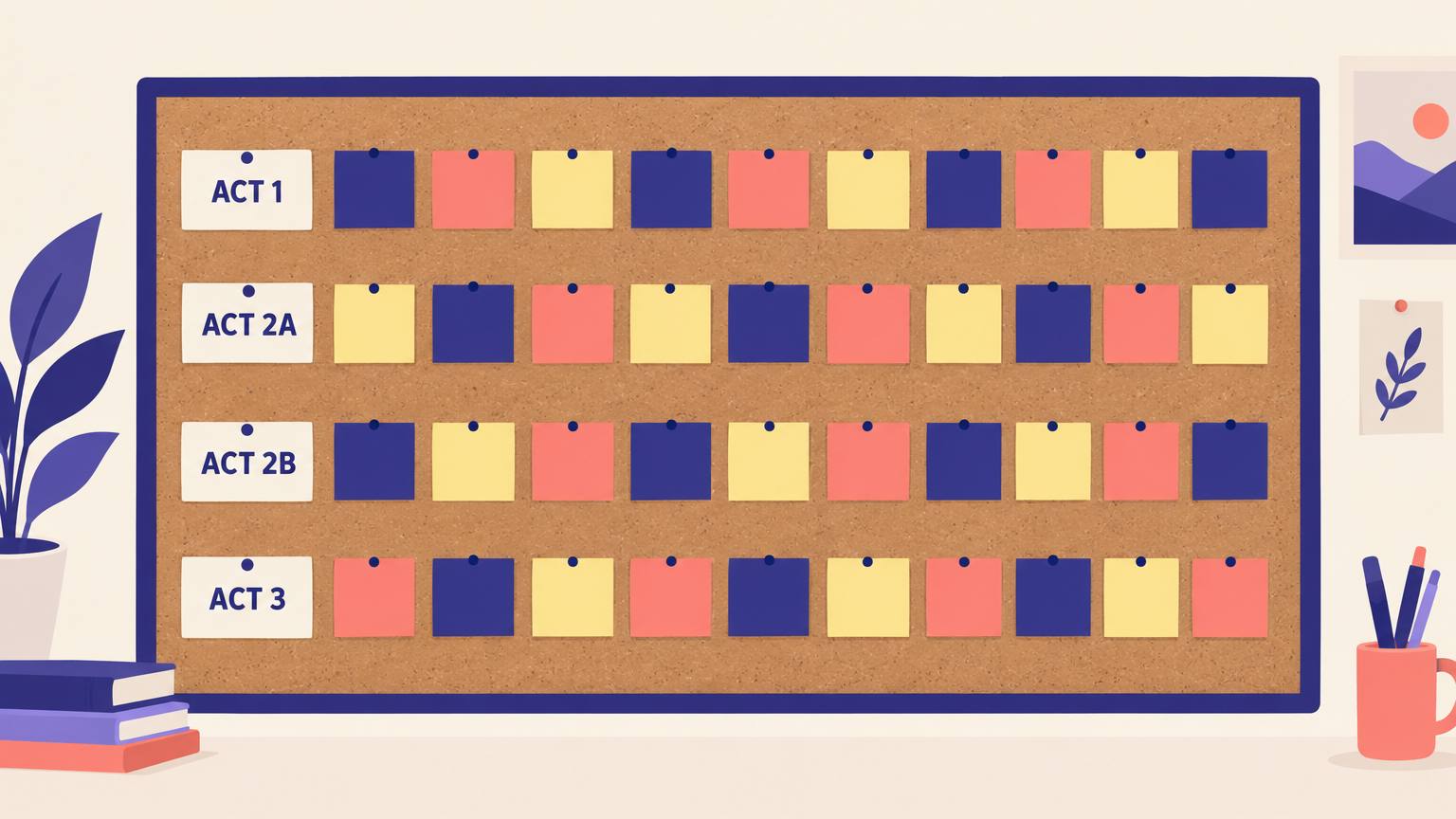
Lay out the cards you already know first, usually the opening, the midpoint and the ending. Then fill toward them. Empty slots are useful: they tell you exactly where the story is still unknown.
If you prefer a looser layout, three rows for the three acts work too. Our guide to three-act structure covers where the turning points sit.
The shuffle test
Use this once the board is full. It finds the scenes that are not pulling their weight.
How to run the shuffle test
- Take any two adjacent cards and swap them.
- Read the new order aloud, headline to headline.
- If the story still makes sense, the two scenes are not connected by cause and effect. One of them may be filler, or both need a stronger link.
- If the swap breaks the story, good: those scenes depend on each other. Put them back.
Strong plots read as "and therefore" or "but" from card to card, rarely as "and then". The scene and sequel pattern is a good way to repair a pair that fails.
Paper, Scrivener, or an AI outline
Cards do not have to be paper. Here is how the three common options compare for plotting.
| Compare | Paper cards | Scrivener corkboard | AIWriteBook outline |
|---|---|---|---|
| One card is | Whatever you decide, usually a scene | One document, with its synopsis on the card | One chapter |
| What the card holds | Your handwriting | A synopsis you type, plus labels and status | Plot events, locations, twists, character interactions and a word count target |
| Reordering | Move it by hand | Drag cards; the manuscript order follows | Add, delete and reorder chapters |
| Getting a first draft of the cards | You write them all | You write them all | Generated from your idea, then edited by you or with AI |
| Turning cards into prose | Type it up | Write in each document | Each chapter card drives its own chapter draft |
Many writers mix them: rough out scenes on paper, then move the agreed order into software. If you are weighing writing apps, see our Scrivener comparison.
Your first card session, step by step
- 01Write one card for every scene you already know, in any order. Do not plot yet.
- 02Sort them into the four rows. Leave gaps where you are unsure.
- 03Color-code or stripe each card by plotline.
- 04Fill the gaps with new cards, working toward the big turns.
- 05Run the shuffle test on every adjacent pair and cut or merge the weak ones.
- 06Photograph the board, then number the cards in order before anything falls off.
- 07Group cards into chapters, and you have an outline ready to draft from.
Common mistakes
- Writing paragraphs on cards. If it does not fit in five short lines, it is two scenes.
- Plotting before you know the ending. Put the last card up first, even if it changes later.
- Treating the board as finished. Cards are cheap; move them whenever a draft teaches you something.
- Never photographing it. One cleaning day or one open window can scramble a month of work.
- Using cards to avoid writing. A board is done when you can draft the next chapter, not when it looks complete.
The digital version, with a head start
The slowest part of card plotting is the blank stack. In AIWriteBook the outline builder gives you a card for each chapter, generated from your book idea, with plot events, locations, twists and character interactions already filled in. You then do what you would do with paper: add chapters, delete the weak ones, move them into a better order, and rewrite any card yourself or with AI.
Prefer to keep your paper board? The free outline generator drafts a chapter-by-chapter outline you can copy onto cards.
Card template
Copy this layout onto a 3x5 or 4x6 card. Keep each line short.
Tap the box to select it, then copy.
SCENE: ______________________
GOAL: _______________________
CONFLICT: ___________________
TURN: _______________________
POV: ________  PLACE: ________
#____  (number it once the order is set)
Start with ten cards
You do not need forty cards on day one. Write the ten scenes you are sure of, lay them out, and look at the gaps. Whether you are a committed plotter or a pantser who plots only when stuck, the cards will show you the story's shape faster than any document. For more ways to plan and draft, see the AI writing assistant guide.