

How print on demand works
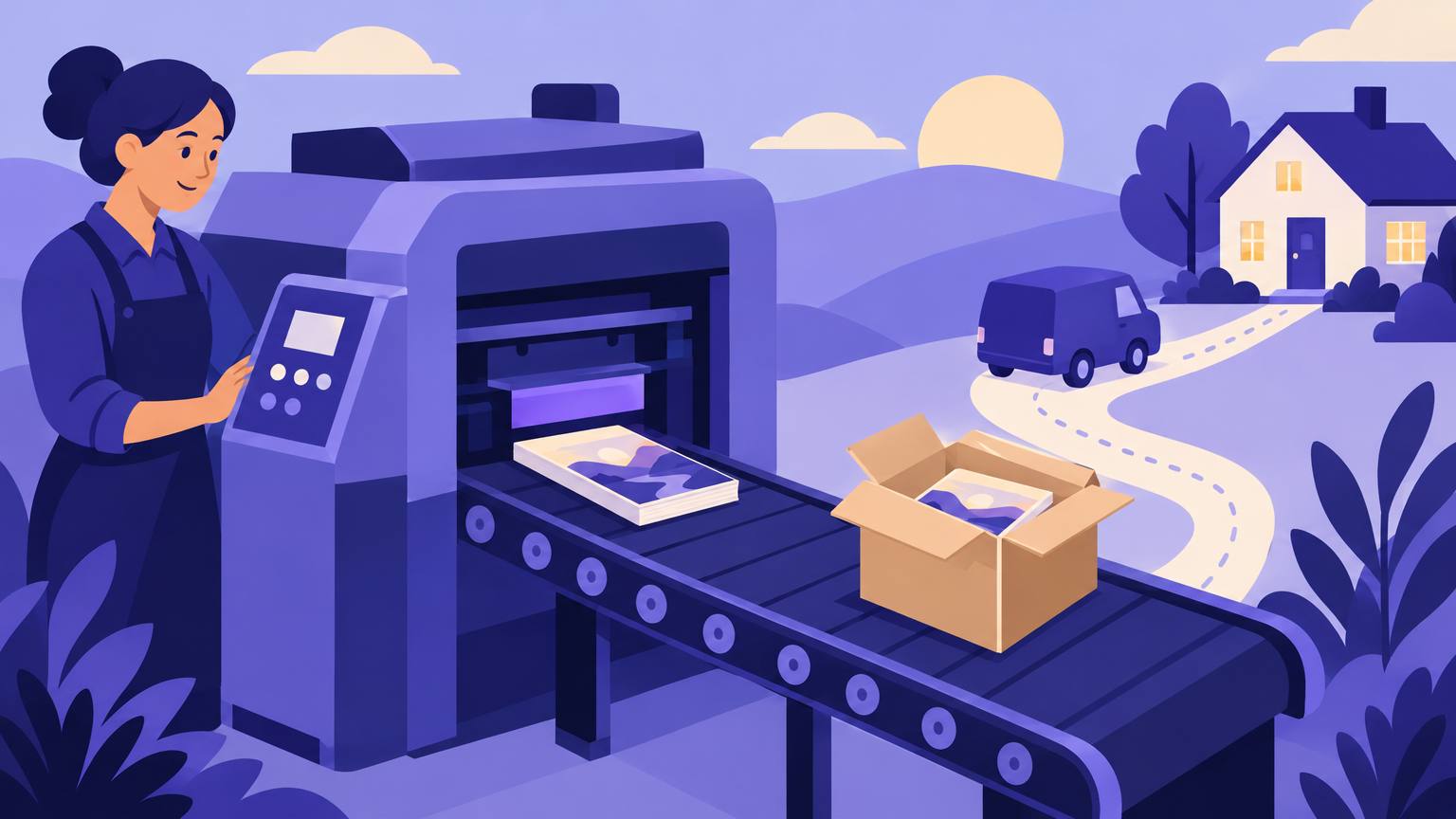
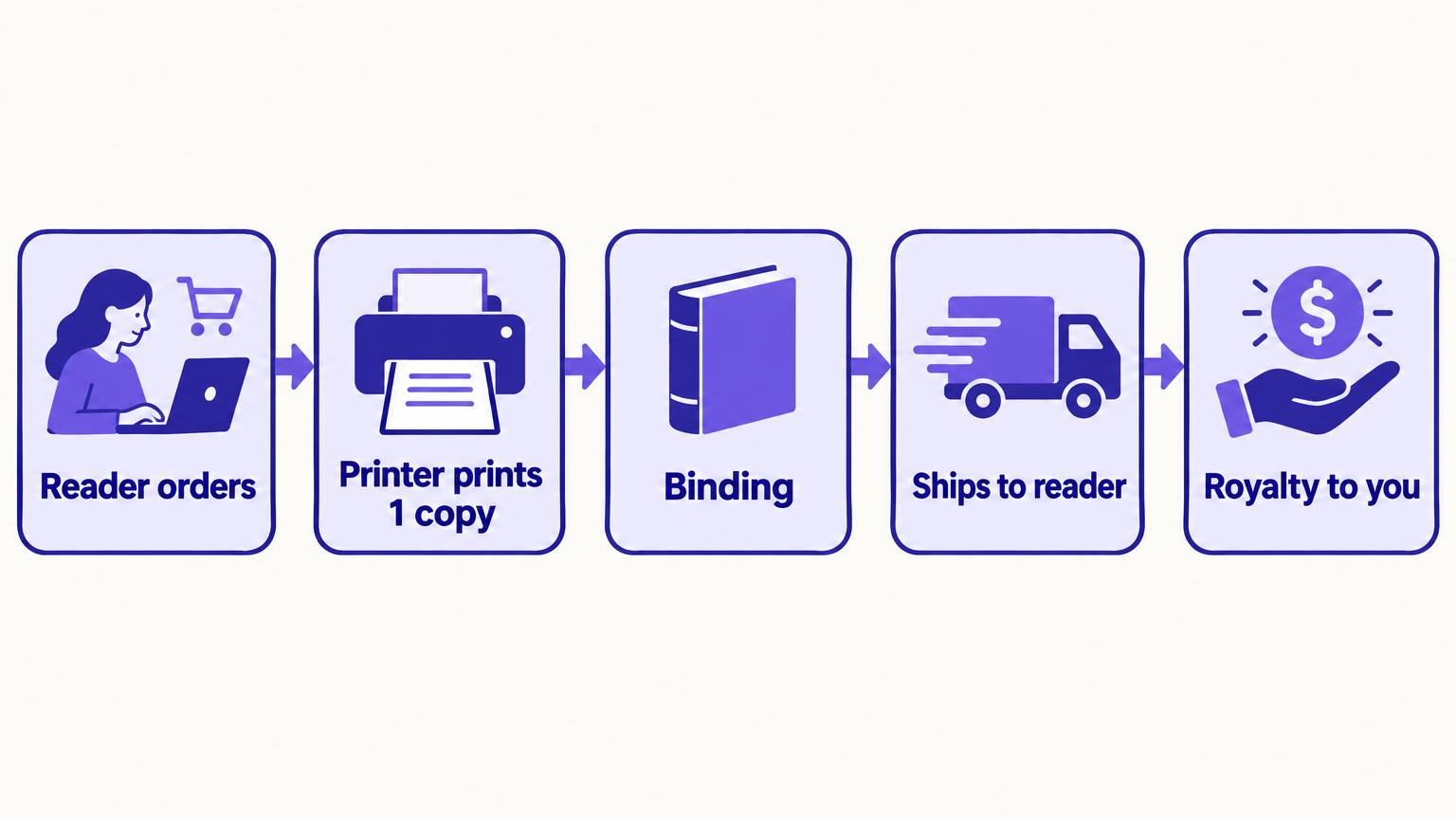
With print on demand (POD), you upload two files: an interior PDF and a full cover PDF. The platform stores them. When a reader orders a copy, a printer prints that one book, binds it, and ships it. You never handle inventory, and the platform pays you a royalty from what is left after printing.
That model removes the old self-publishing risk of a garage full of unsold books. The trade-off is a higher printing cost per copy than an offset print run, which affects your margin and pricing.
Comparing the main POD platforms
Most self-published authors use one or two of these. Features and terms change, so confirm details on each platform before you commit.
| Platform | Best for | Distribution | Worth knowing |
|---|---|---|---|
| KDP Print | Selling on Amazon | Amazon marketplaces, plus optional Expanded Distribution | Free to use and simplest setup. Bookstores rarely stock KDP-printed books. |
| IngramSpark | Bookstores and libraries | Ingram's wholesale network to retailers and libraries worldwide | You set the wholesale discount and can allow returns, which bookstores expect. |
| Lulu | Direct sales and unusual formats | Lulu's own store, direct sales and retail distribution | Wide range of formats and bindings, popular for workbooks and photo books. |
| Draft2Digital Print | Authors already wide with ebooks | Major online retailers through D2D | Keeps print and ebook distribution in one dashboard. |
A common setup is KDP Print for Amazon plus IngramSpark for everything else. If you are weighing the two, our comparison of KDP and IngramSpark goes through royalties, ISBNs and distribution in detail, and our guide to publishing on IngramSpark walks through setup.
What one copy really costs
Every POD royalty follows the same shape. The platform takes its share of the list price, then subtracts the printing cost. Printing cost is usually a fixed fee per book plus a charge per page, and color interiors cost much more than black and white.
That is why page count matters so much. Two books at the same price can earn very different amounts if one is 180 pages and the other 420. Wholesale channels like IngramSpark add a retailer discount to the calculation too.
Trim size
A larger trim fits more words per page, which lowers page count and printing cost.
Font and spacing
Readable body text at a sensible size and leading avoids padding the page count.
Ink
Black and white interiors are far cheaper. Use color only where readers expect it, like children's books.
Price
Price for your genre and page count, then check the margin rather than the other way round.
Run your numbers through the free royalty calculator before setting a price, and see our full breakdown of KDP royalties for each marketplace.
Quality choices that change how the book feels
Paper color
Cream paper is standard for fiction and feels softer to read. White suits non-fiction, workbooks and anything with images.
Cover finish
Matte looks premium and hides fingerprints; glossy makes colors pop and suits bright genre covers and children's books.
Binding
Paperback is the default. Hardcover costs more per copy but suits gift books, children's books and collector editions.
Color interior
Standard color is cheaper; premium color gives richer images. Order a proof of both if your book depends on illustrations.
POD quality is generally good but varies slightly between print runs and printers. That is normal; order proofs and judge the average, not a single copy.
File requirements
Most POD rejections come from the files, not the content. The interior must match the trim size you selected, with margins wide enough for the binding. The gutter, the inner margin, needs to grow as the page count grows so text does not disappear into the spine.
If images or backgrounds run to the edge of the page, you need bleed: the artwork extends 0.125 inches beyond the trim on each outside edge. The cover is one wide PDF with back cover, spine and front cover, and the spine width depends on page count and paper type.
AIWriteBook's book formatter produces a print-ready PDF for KDP and IngramSpark at common trim sizes such as 5 x 8, 5.5 x 8.5 and 6 x 9, along with EPUB and DOCX from the same manuscript. For the cover, the AI book cover designer creates artwork at KDP proportions, and our step-by-step guide to formatting a book for KDP covers margins and headers in depth.
Proof copy checklist
Always order a printed proof before you publish. Check these with the physical book in your hands.
Pros and cons of print on demand
Pros
- No inventory, warehousing or upfront print run
- Books never go out of stock
- Fix typos and upload a new file at any time
- Global reach through online retailers
- Easy to offer paperback, hardcover and large print
Cons
- Higher cost per copy than offset printing
- Thinner margins on long or color books
- Limited placement in physical bookstores
- Fewer premium finishes than a custom print run
- Slight print variation between copies
Which setup to choose
You mainly sell on Amazon
KDP Print alone is enough to start.
You want bookstores and libraries
Add IngramSpark with your own ISBN.
You sell at events or from your site
Order author copies from your POD platform, or try Lulu for direct sales.
You publish wide with ebooks already
Draft2Digital Print keeps everything in one place.
Using more than one platform usually means owning your ISBN; our guide to getting an ISBN explains when you need one and how to buy it.
Print one copy at a time, sell everywhere
Print on demand removes the financial risk from print books. Choose platforms by where your readers buy, design for your page count, and never skip the proof.
Selling mostly on Amazon? Our Amazon KDP guide covers every step after the files are ready.